
Reduce Risk and Complexity in Control System Changes
Control system changes are inevitable but without clear visibility and structured processes, they can introduce risk, inconsistencies, and delays.
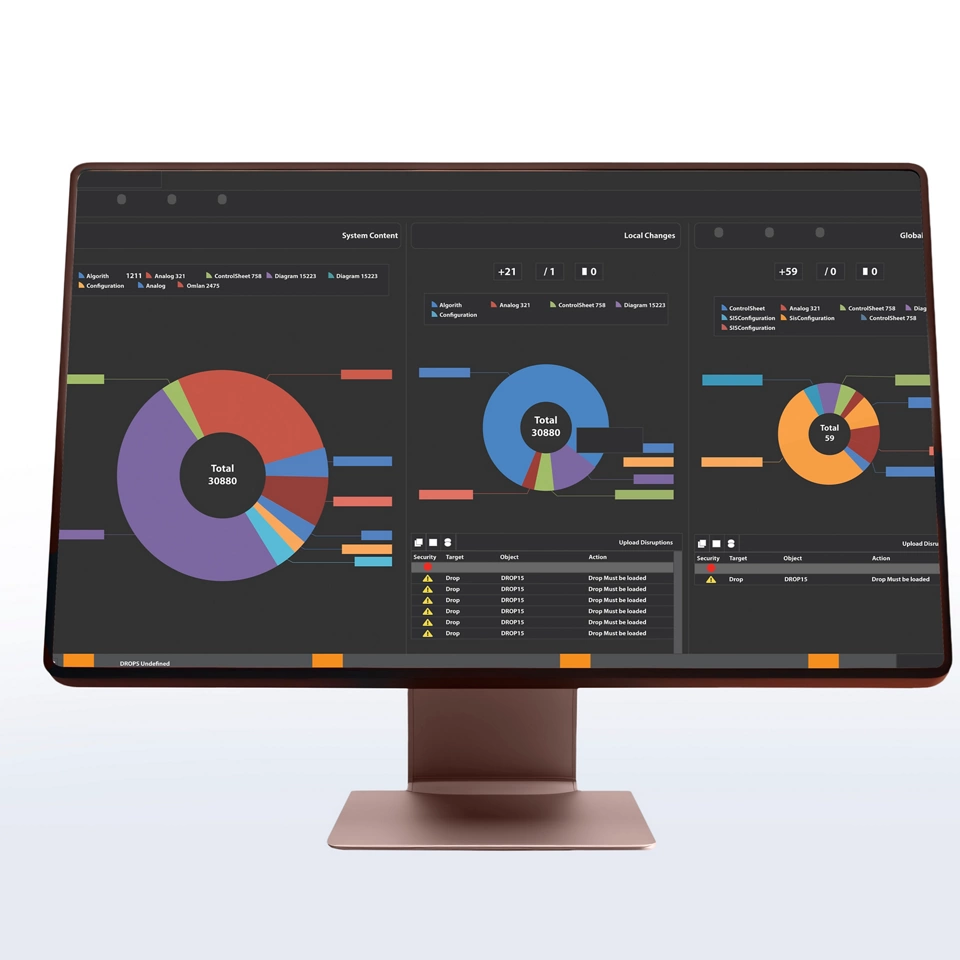
The Ovation Curation Tool provides a centralized, structured approach to managing changes across systems, helping teams understand exactly what changed, assess potential impacts, and ensure safe, consistent deployment.
Key benefits:
- Gain full visibility into system changes over time
- Reduce risk before deploying updates
- Improve consistency between production and simulation systems
- Streamline engineering workflows
How does the Ovation Curation Tool Help Organizations?
Alignment
Maintain alignment between production and simulator environments
Error Reduction
Reduce errors during system updates

Visibility
Improve visibility into system changes over time
How It Works
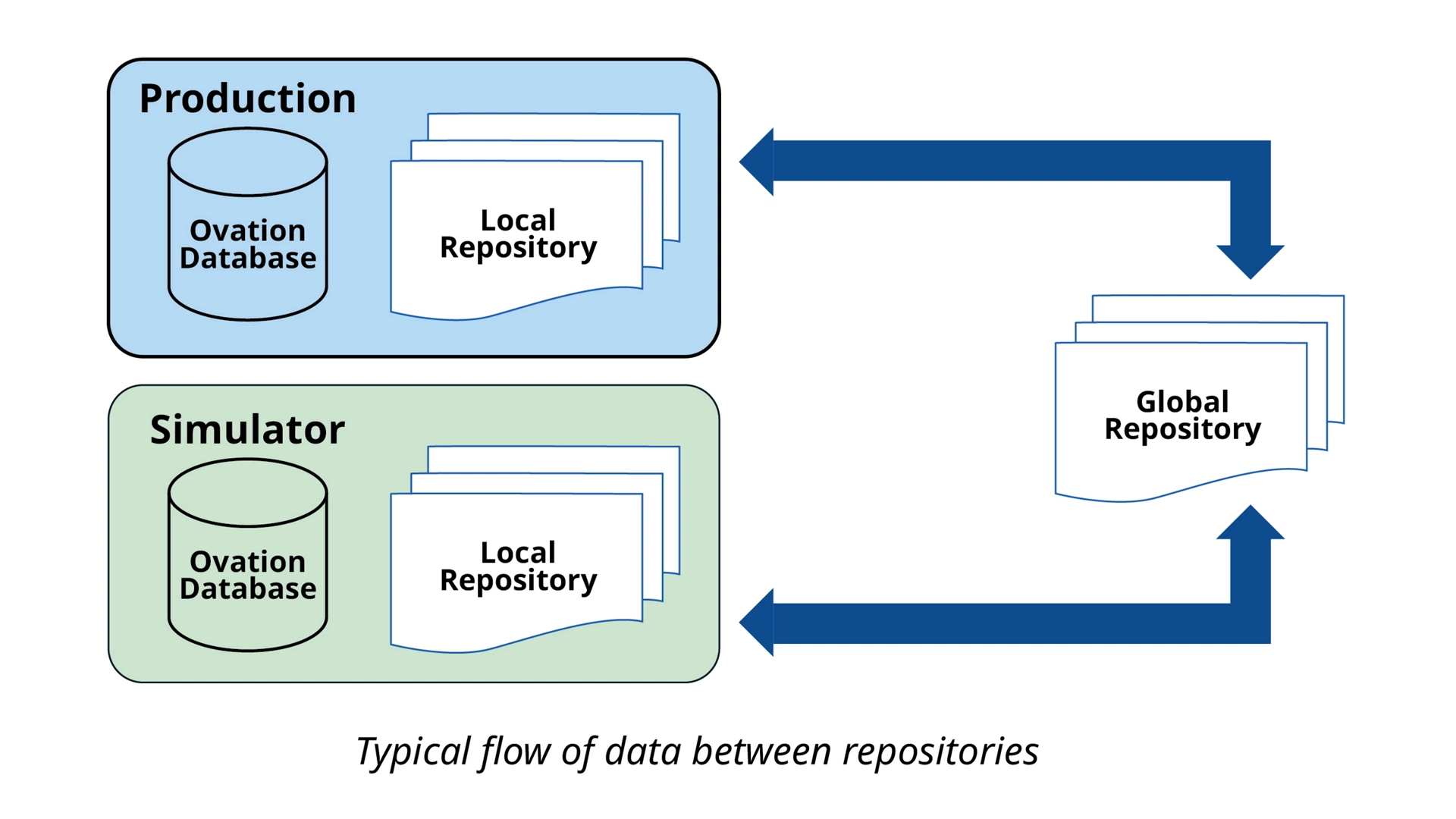
Streamlined Workflow
In the typical workflow, the Synchronization operation copies data from the current, local Ovation database to the Local Repository. In the Local Repository, any potential conflicts between old and new data changes are reconciled.
Once all data change conflicts are resolved, the Upload operation transfers the data changes from the Local Repository into the Global Repository. The process can also work in reverse to transfer data from the Global Repository back to the same Ovation system or to a different Ovation system.
Key Capabilities
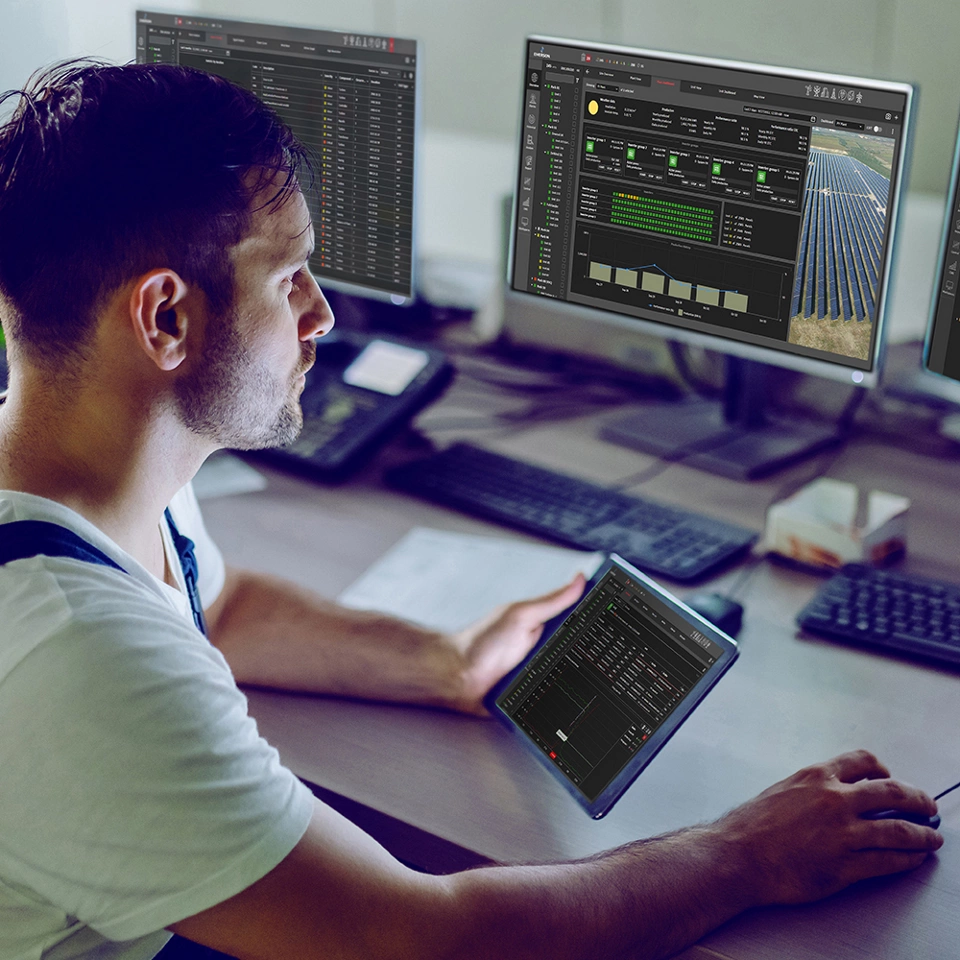
The Ovation Curation Tool enables teams to manage control system configurations with greater precision and confidence. It goes beyond traditional data storage by actively managing changes, comparisons, and synchronization across Ovation environments.
- Provides visual indication and display of configuration changes
- Enables users to review what changed and access past versions
- Tracks system changes over time for full transparency
- Displays differences between systems before deploying changes
- Highlights potential disruptions and suggests ways to resolve them
- Allows side-by-side comparison of system configurations
- Enables automated deployment of changes between multiple instances
- Supports synchronization between production and simulator systems
- Allows multiple users to edit assets and merge changes
- Maintains history of modifications across points, graphics, and control sheets
- Can be run on a scheduled or ad-hoc basis
- Supports weekly, monthly, or on-demand workflow