
A Best-in-Class Operations Experience, Out of the Box
DeltaV Live provides a world-class operations experience, designed for today’s high-performance operator requirements. The highly customizable Human Machine Interface (HMI) is the first DCS HMI to natively support HTML5 – laying the foundation for universal, cross-platform graphics that are easy to design and configure. The engineering environment in Graphics Studio simplifies configuration, increasing productivity and removing reliance on scripting for common tasks. Experience single-click access to graphics, built-in hierarchical navigation, layouts, directories, and other applications.
Built-for-Purpose
Built-in tools that incorporate industry standards and best practices to enhance situational awareness
Modern
HTML5 graphics set the foundation for platform independence for displays
Easy
Configuration is intuitive and built for the entire graphics lifecycle
Real Stories, Real Results
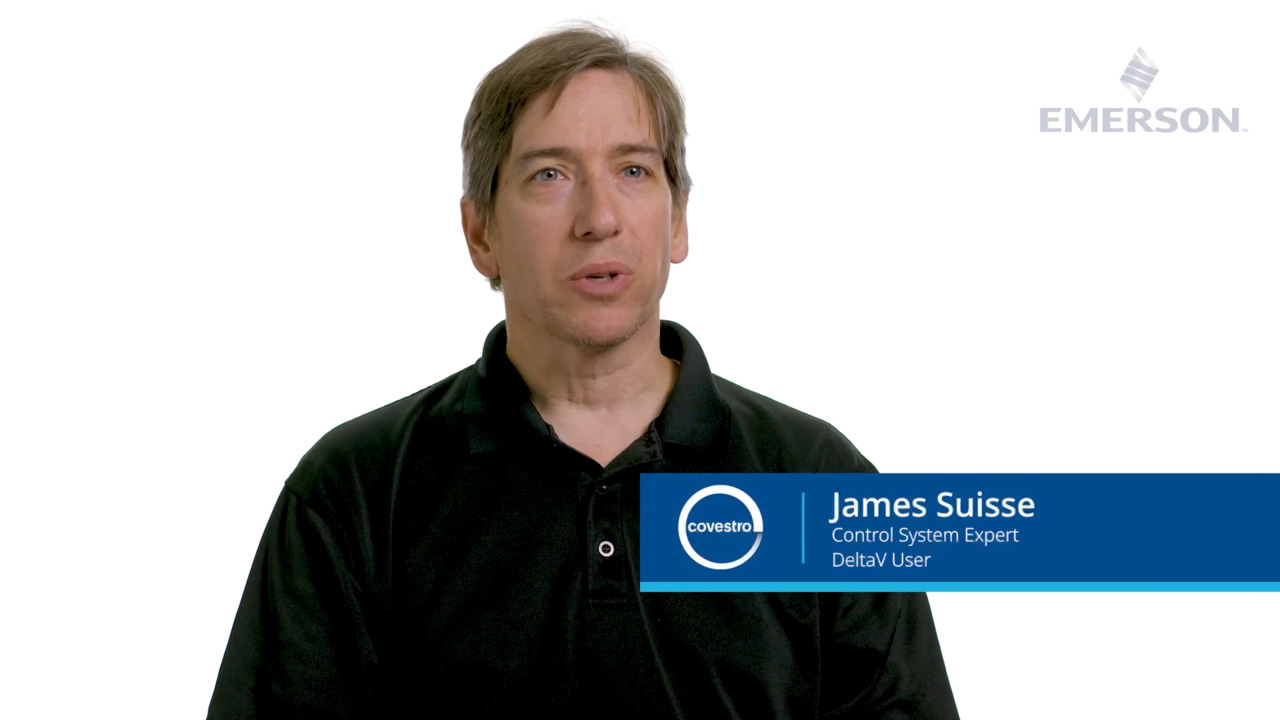
Hear how Covestro, Baytown, led the charge in transitioning their HMI from DeltaV Operate to DeltaV Live. Starting with a pilot unit, the team modernized graphics, improved operator experience with customizable themes, and built a scalable library of high-performance objects. This resulted in faster configuration, cleaner visuals, and growing adoption across 19 DeltaV systems.
The Most Advanced and Intuitive DCS HMI
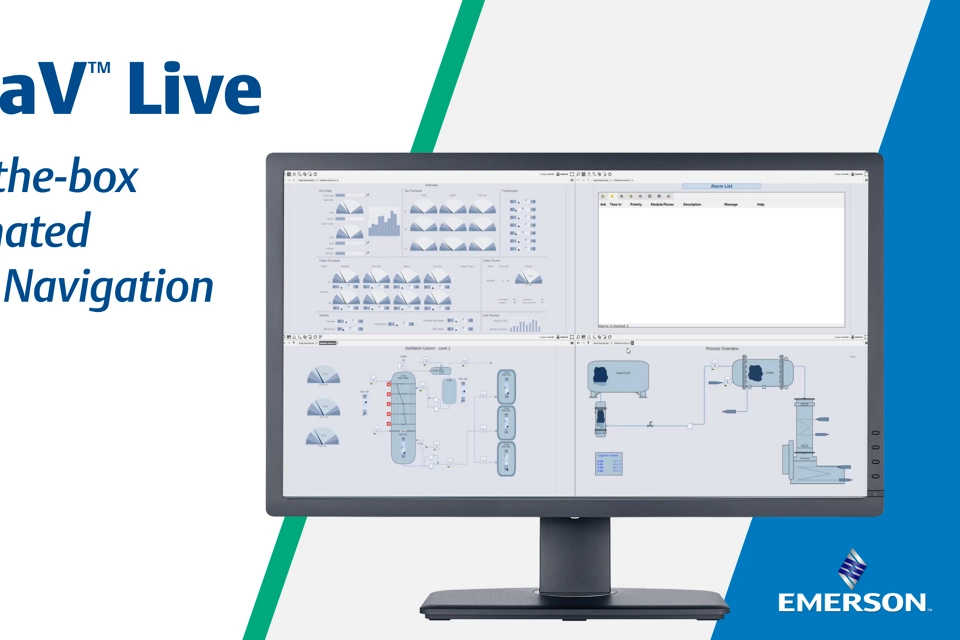
ISA-101 recommends a display hierarchy that provides a structured view of responsibility scope with the ability to drill down.
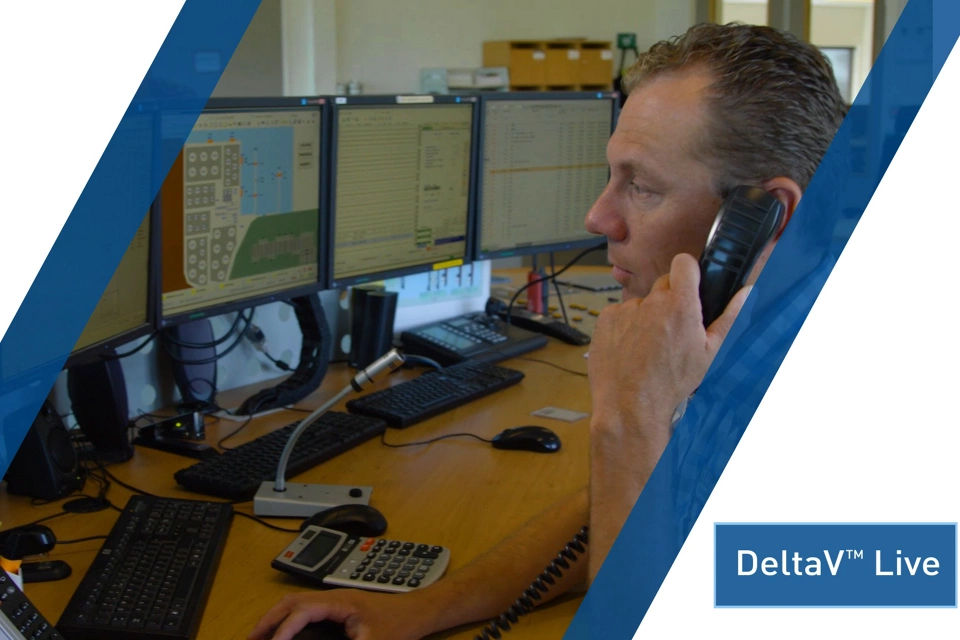
DeltaV Live puts everything operators need at their fingertips with intuitive features such as customizable layouts, hierarchy navigation, alarm rollups, and high-performance GEMs to effectively run and monitor processes.
Research indicates that over 26% of industrial incidents are attributable to operator error.
DeltaV Live helps reduce these errors with an intuitive, operator-centric HMI that includes features like watch areas, integrated web displays for operating procedures, and SFC (Sequential Function Chart) visualization.
Advanced operator displays can improve the success rate in handling abnormal situations from 70% to 96%.
DeltaV Live allows operators to quickly visualize and respond to alarms with features like alarm lists, banners, and alarm help.
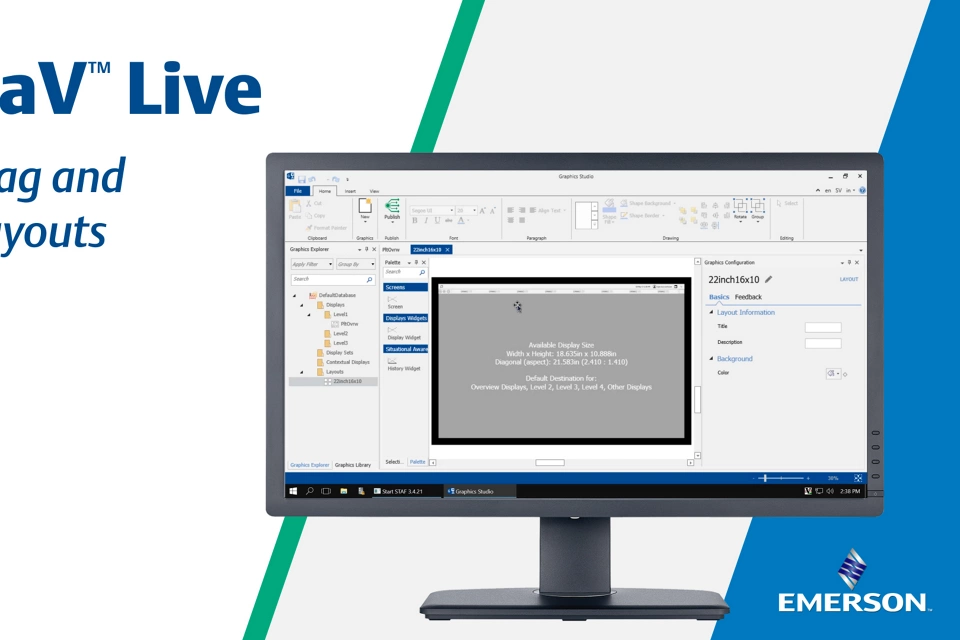
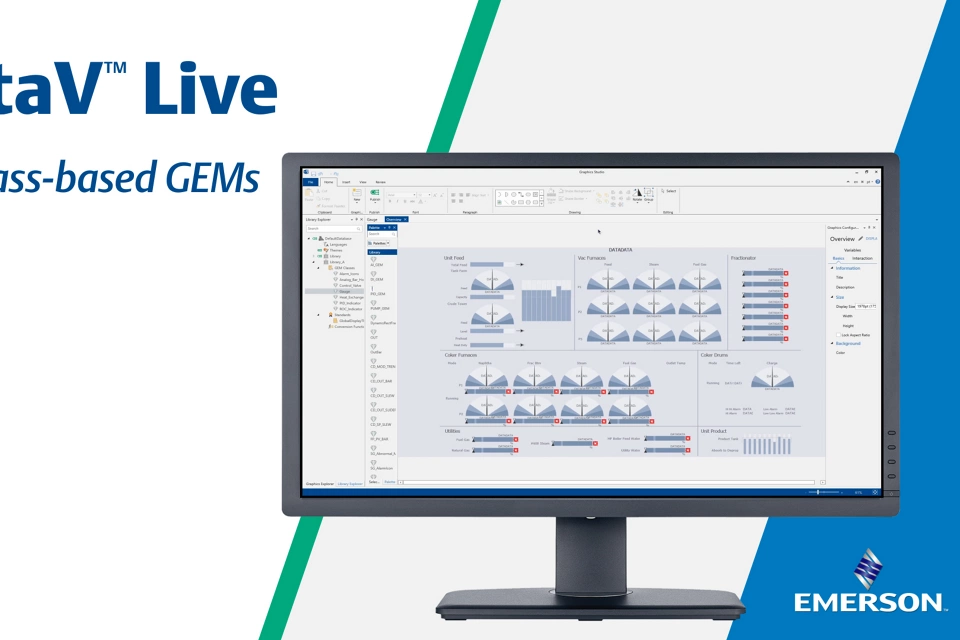
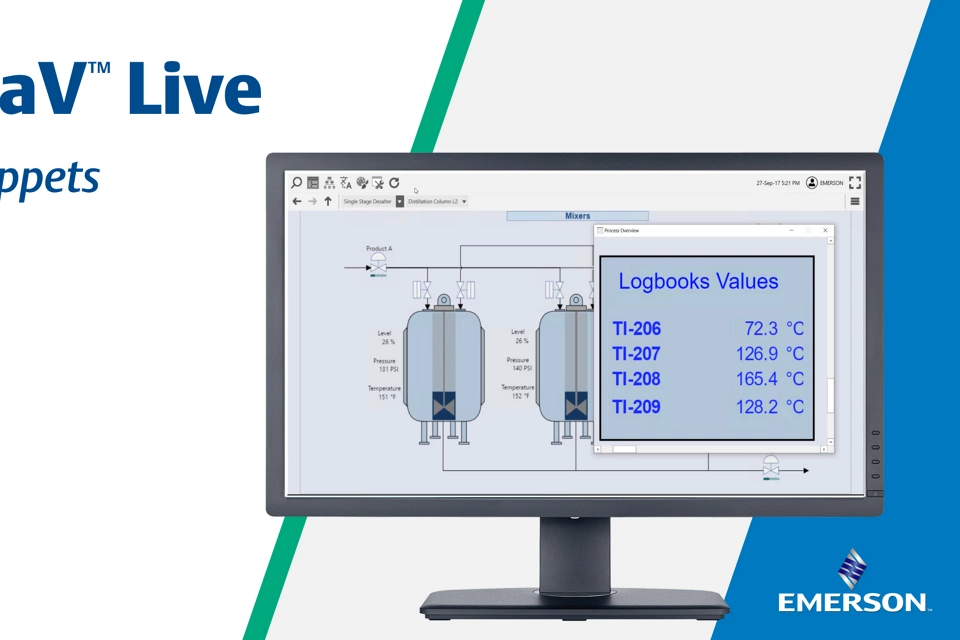
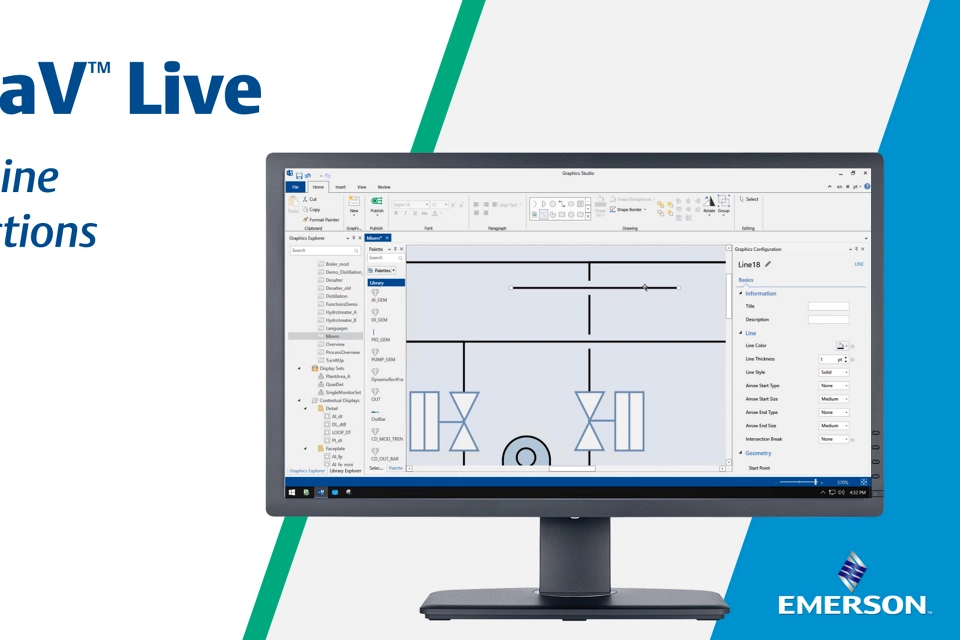
DeltaV Live enables users to quickly create and adapt displays in Graphics Studio and empowers operators to customize their environment with themes, multiple runtime languages, and web displays for integration with other software.
Displays can be published while the system is online, allowing faster distribution.
Heard at Emerson Exchange

With DeltaV Live, we achieved a more manageable design with less runtime code and improved usability. The project delivered a custom, standardized GEM library that we can use across other business units. Long-term, we now have a maintainable solution, a head start on migration, and improved operator efficiency through effective L2 displays.
Enhance Situational Awareness and Decision Making
A well-designed operator interface is essential for effective plant control, enhancing situational awareness and enabling faster, high-quality decision making. Leading indicators paired with high-performance objects capture operators’ attention and paints a picture of the situation well before reaching alarm setpoints. Task-oriented and overview displays provide the necessary context for operators to confidently manage normal operations, start-ups, shutdowns and unexpected events.
DeltaV Live was built with Human Centered Design principles from the beginning, incorporating Center for Operator Performance consortium best practices and industry standards, such as built-in display hierarchies and hierarchical navigation delivering visibility of alarm in context with the ability to quickly navigate and respond. Operators can augment their environment on the fly, reducing the dependency on pre-engineered solutions, allowing them to more easily and intuitively monitor and control their plants.

Philosophy Development
Align to standards and best practices enterprise-wide

Display Design Workshop
Design user-specific high-performance displays

Display Review
Rationalize gaps between current display and display philosophy

Culture Change Management
Garner operator buy-in

Installation and Training
Display upload and human-factor training
Frequently Asked Questions
DeltaV Live uses high-performance displays, contextual information, and real-time process data to help operators recognize abnormal conditions faster. By presenting critical information clearly, operators can focus on the most important process changes and respond more effectively.
Yes. DeltaV Live enables organizations to create customized displays for different users and job functions. Operators, engineers, and maintenance personnel can access the information most relevant to their responsibilities, improving productivity and decision-making.
DeltaV Live uses a modern, HTML5-based design environment that makes it easier to create, modify, and maintain operator graphics. This can reduce engineering effort while helping plants maintain a consistent operator experience across the system.
DeltaV Live gives operators the flexibility to personalize their operating environment through configurable themes, layouts, and display preferences. Operators can select themes that adjust the visual appearance of the interface, helping improve comfort, readability, and usability during daily operations. DeltaV Live also supports multiple runtime languages and customizable workspaces, allowing organizations to tailor the operator experience to their specific needs while maintaining a consistent and high-performance HMI.
For organizations implementing Human-Centered Design principles, themes can be used to create a control room environment that aligns with operator preferences and site standards without affecting control system functionality or performance. When displays are built using DeltaV Live color standards, theme changes can be applied consistently across the system.
DeltaV Live supports reusable graphic elements and standardized display development, making it easier for organizations to maintain a consistent HMI strategy across multiple units, sites, or global operations.
DeltaV Live combines process displays, trends, and alarm information into a unified operator experience. This allows personnel to quickly understand process conditions, investigate alarms in context, and respond to potential issues more efficiently.
Connected Through Guardian™




The Latest
DeltaV
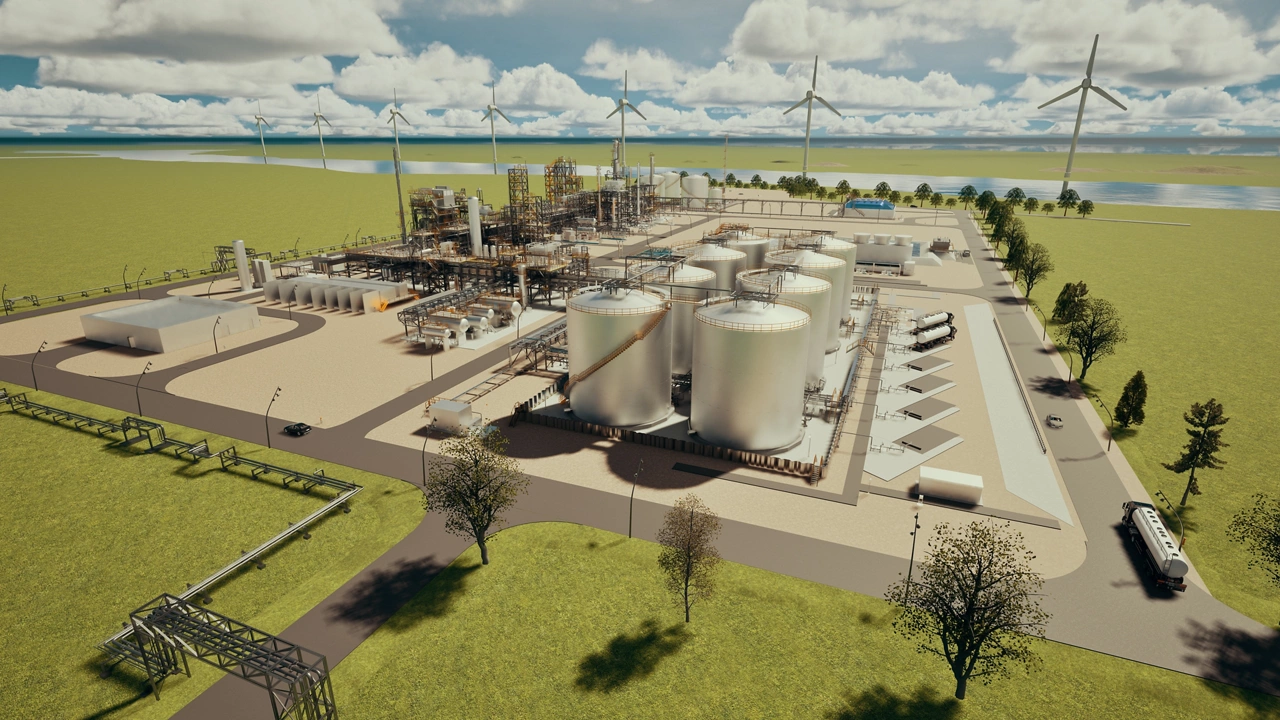
Emerson Selected to Automate Europe’s First Greenfield Facility Dedicated to Sustainable Aviation Fuel

Emerson Helps Romania's Largest Refinery Rompetrol Rafinare
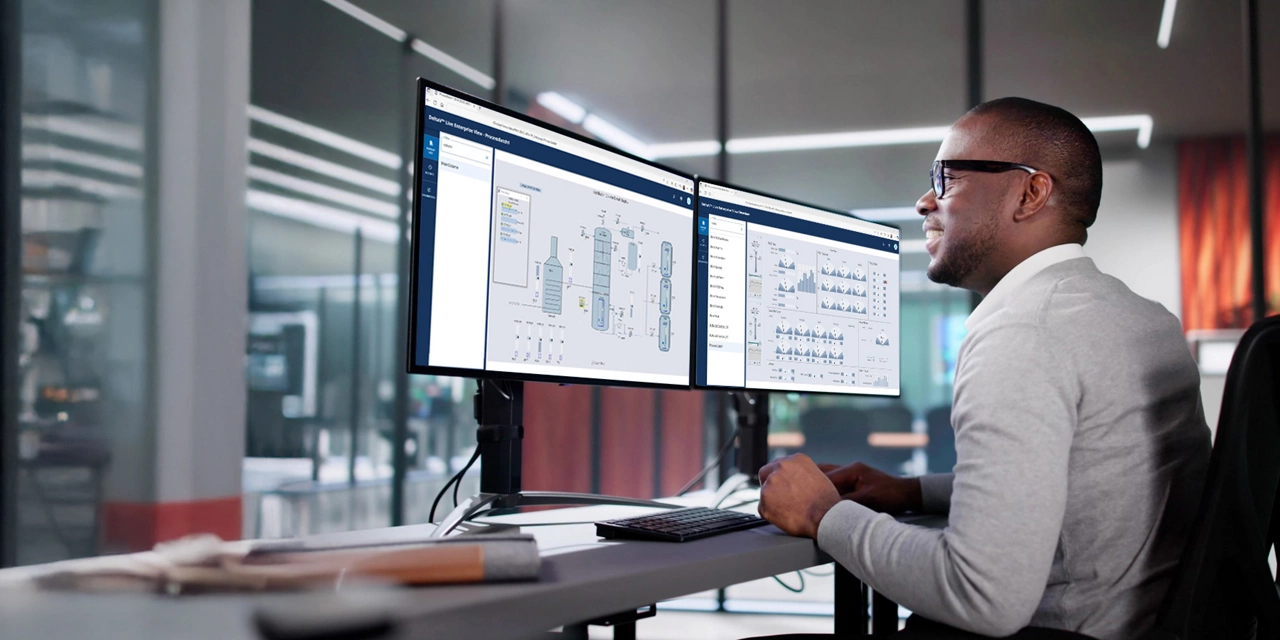
Emerson Accelerates Edge Ecosystem for Real-Time Enterprise Operations Intelligence
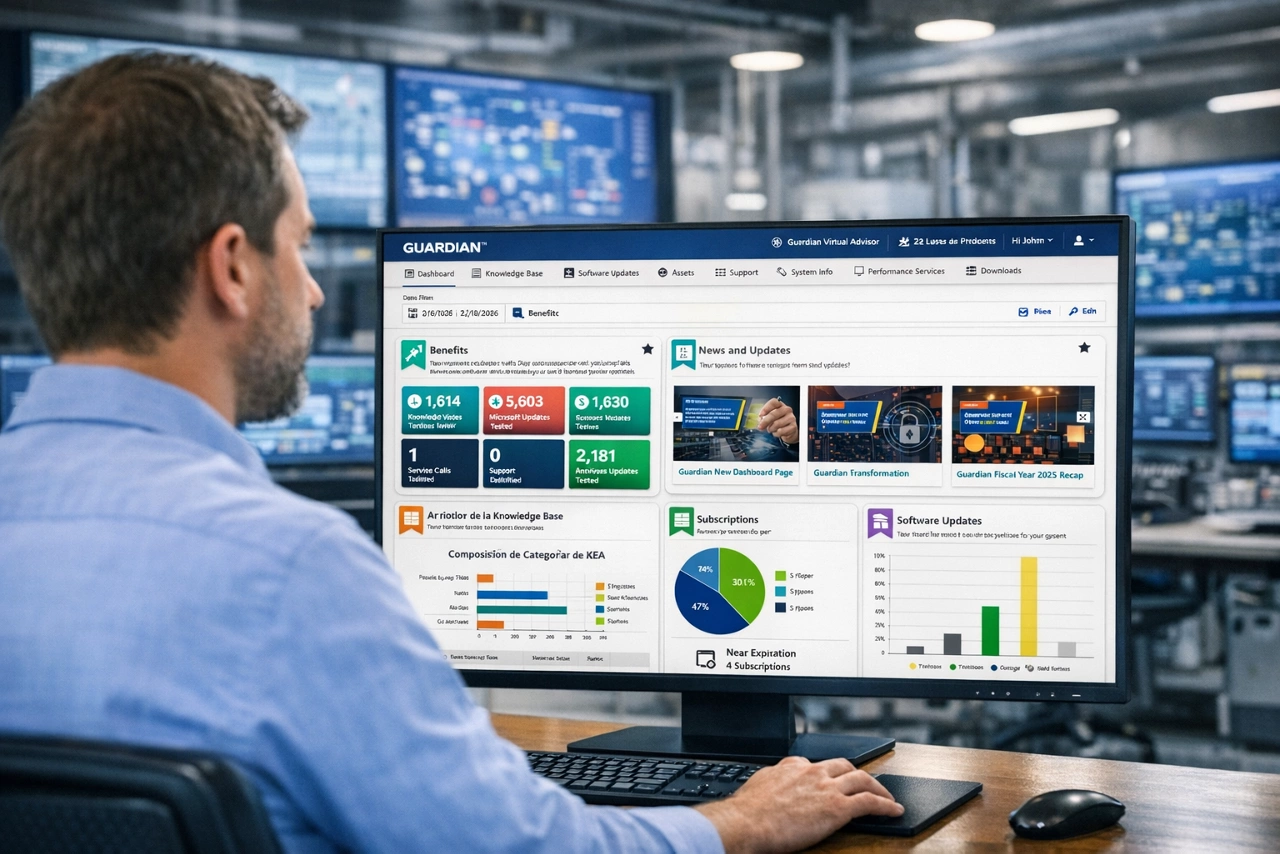
Emerson Delivers Next Step in Enterprise Automation Support with Enhanced AI Capability
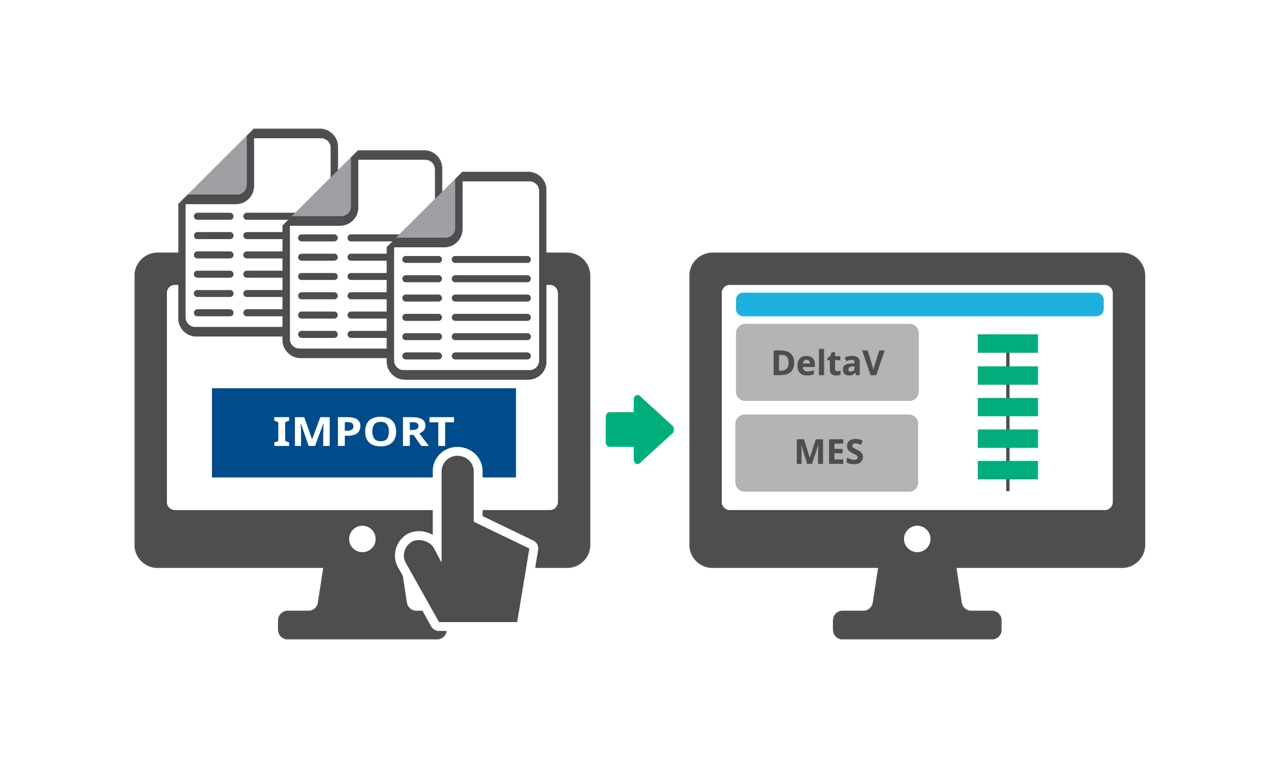
Emerson Life Sciences Recipe Creation for Faster Time to Market
Emerson Advances Software-Defined Automation with Latest Control System Release
Emerson Releases Modality Library to Drive Faster Innovation in Life Sciences in Collaboration with Roche
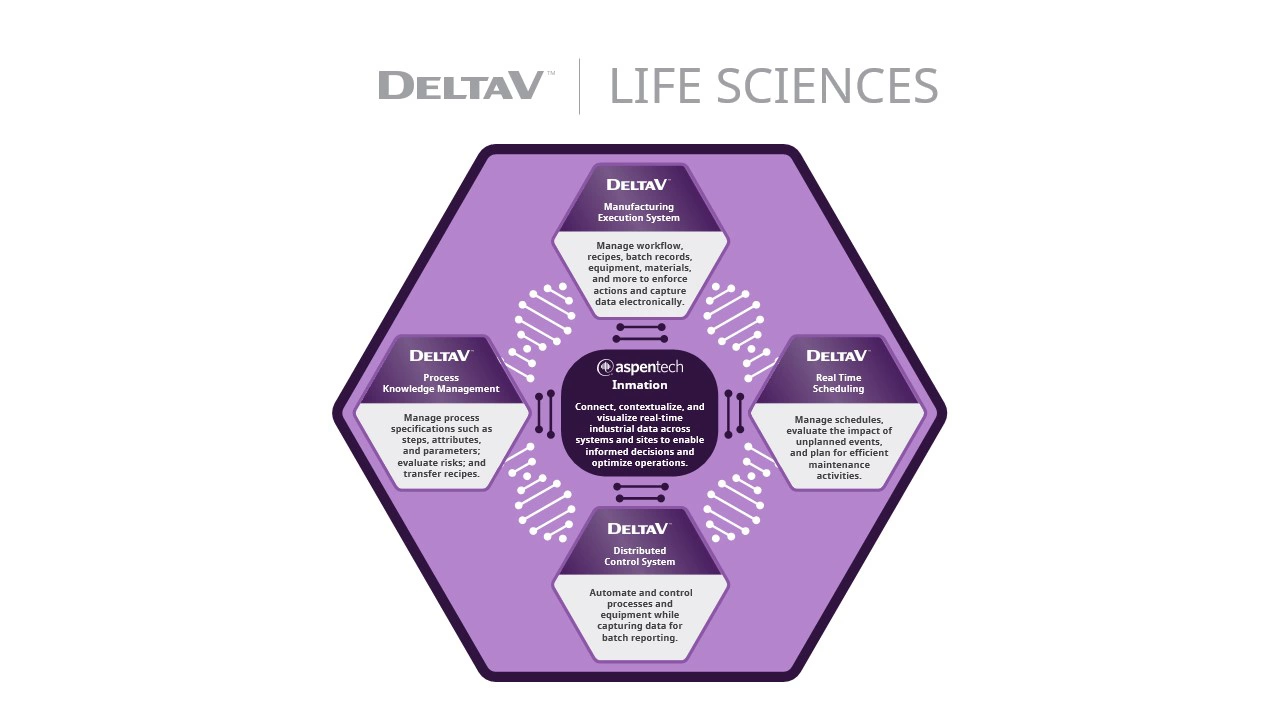
Emerson’s Automation Platform Drives Data Mobility Across Life Sciences Value Chain
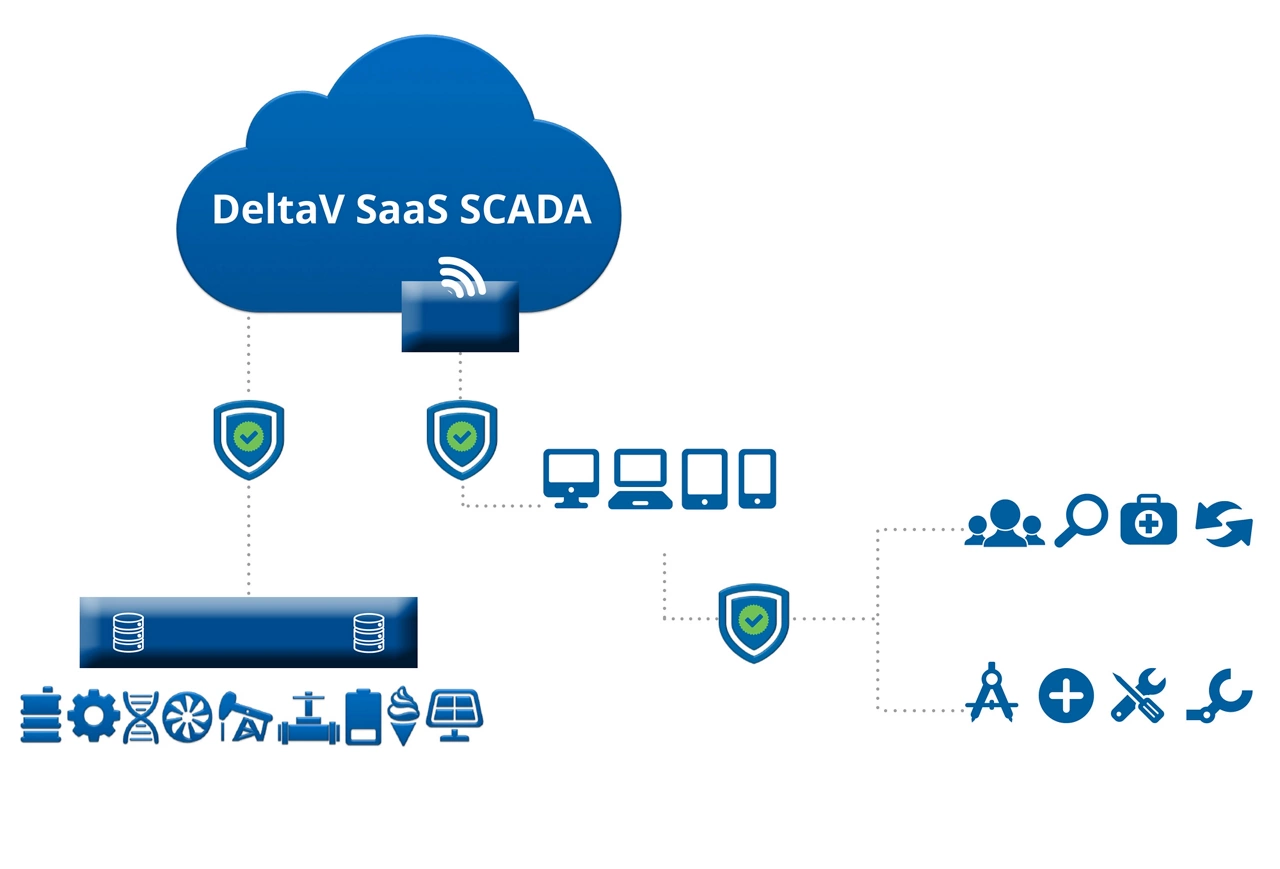
Emerson’s New Edge Device Simplifies SCADA Architecture
Emerson Simulation Software Enhancements Create Foundation for Lifecycle Change Management
Emerson Enhances Control System Software to Increase Operational Agility
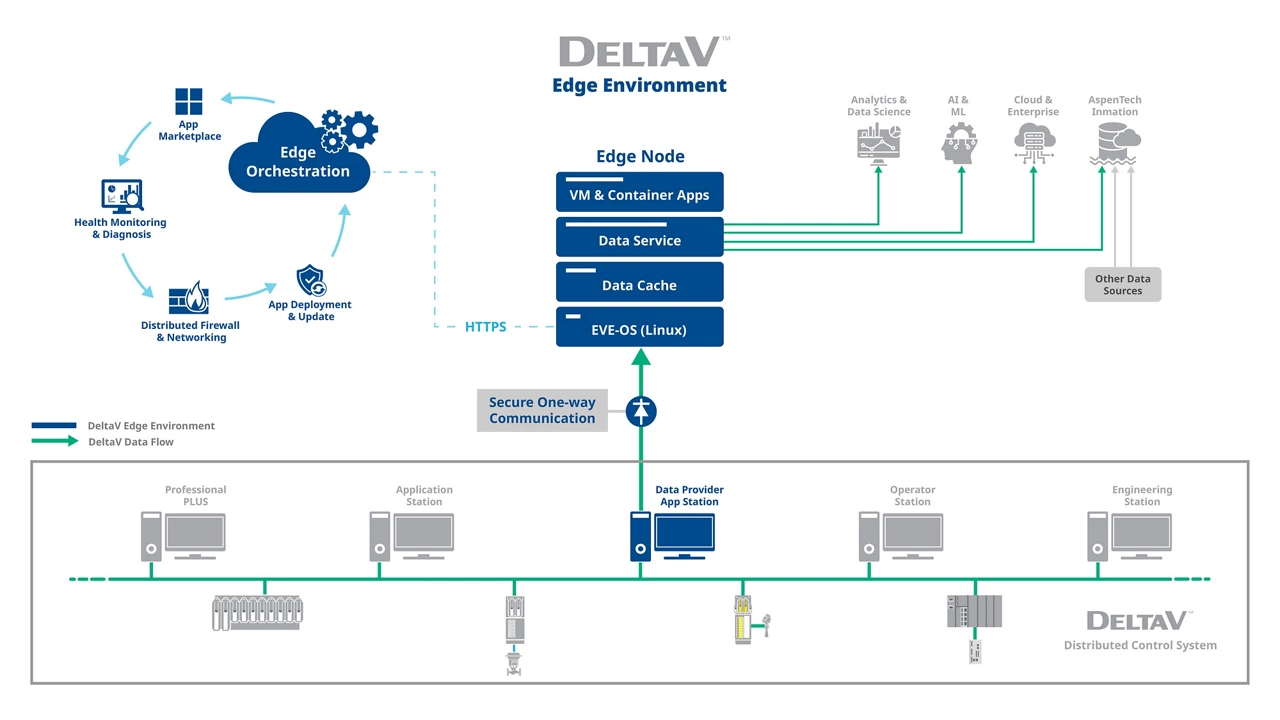
Emerson’s Updated Edge Technology Helps Drive Integration for Batch Processes

Emerson Wins 2025 IoT Breakthrough Award for ‘Industrial Innovation of the Year’
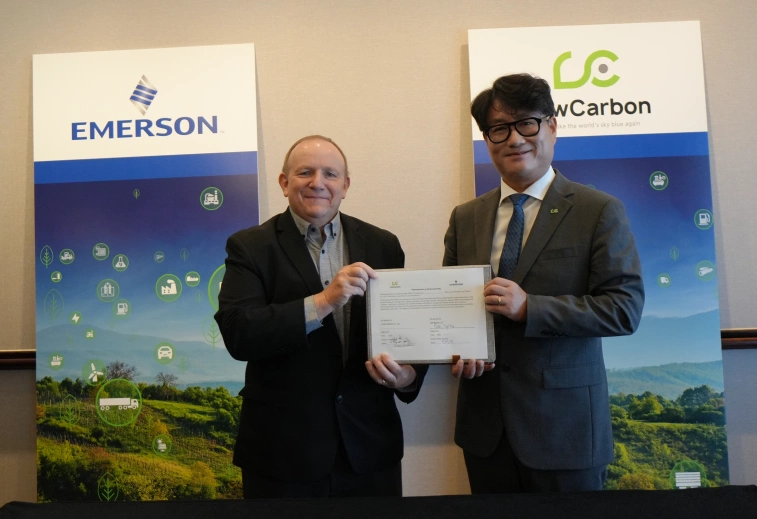
Leading Korean Carbon Tech Company Selects Emerson as Automation Partner

Polypropylene Plant Virtualizes to Meet Demand
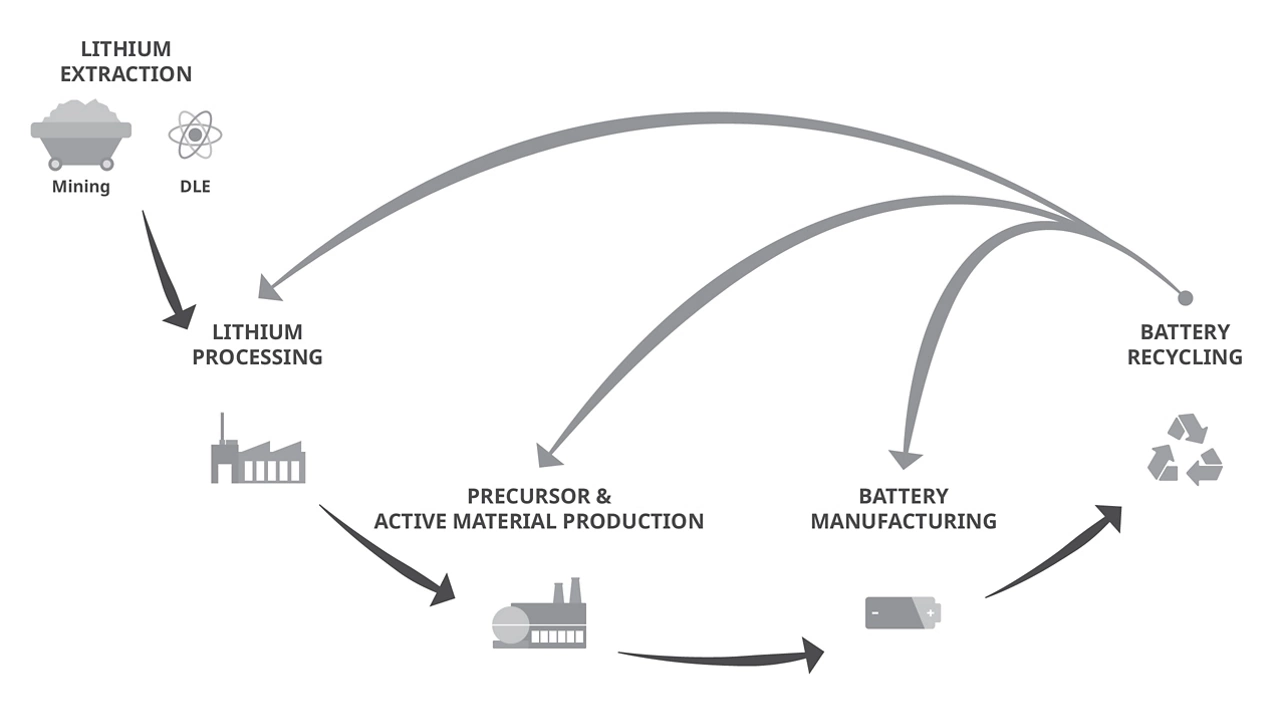
Emerson’s Future-Proof Technologies Optimize the Lithium Value Chain
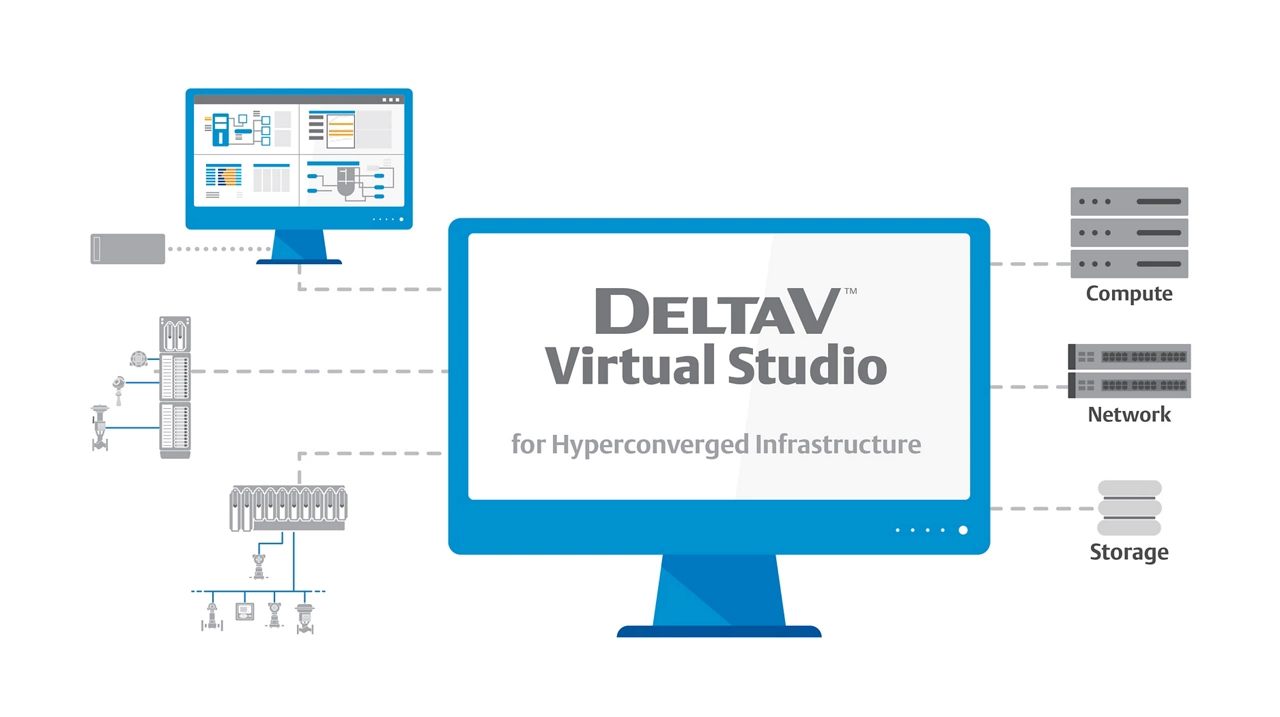
Infrastructure Solution Optimizes Virtualization for Small Control Systems

Picking the Right Automation Solution for a Life Sciences Application
Edge Software Enhancement Helps Safeguard Data and Ensures Continuous Process Visibility
Emerson Enhances Control System Software for Seamless Data Integration, Improved Operational Performance

Scalable Technologies Pave the Path to the Next Great Lithium Battery Advancements
Emerson’s New Flexible Control Package Helps OEMs and Small, Manufacturing Operations Develop Digital Solutions
Emerson Software Helps Covestro Increase Operational Efficiency and Sustainability
Emerson’s Next-Generation Software Streamlines Pharmaceutical Development, Accelerates Speed to Market

Security Breach: Driving OT Vision to Avoid an ‘Internal Collection of Hackers’
Emerson’s New Comprehensive Automation Platform Empowers Decisive Action from Plant to Enterprise

Island Hopping Beyond the Edge
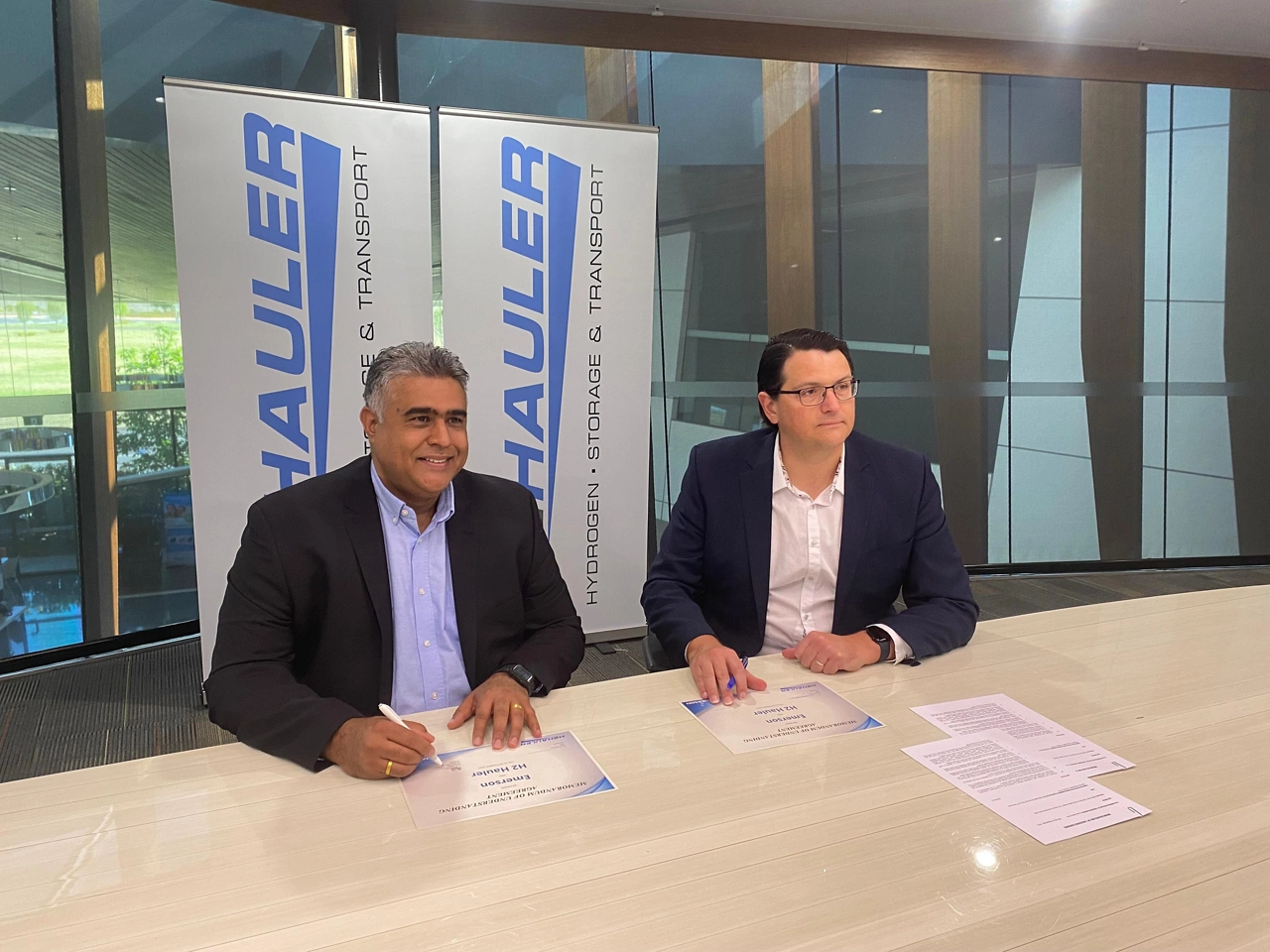
Emerson to Provide Integrated Hydrogen Mobility Technologies to H2 Hauler

Process Control: Optimization at the Edge

LyondellBasell Selects Emerson to Modernize Automation Technology at Olefins Production Plants

Apply Logic, Not Intuition

Modern Cybersecurity Monitors, Connects and Collaborates

Emerson Named ‘Industrial IoT Company of the Year’
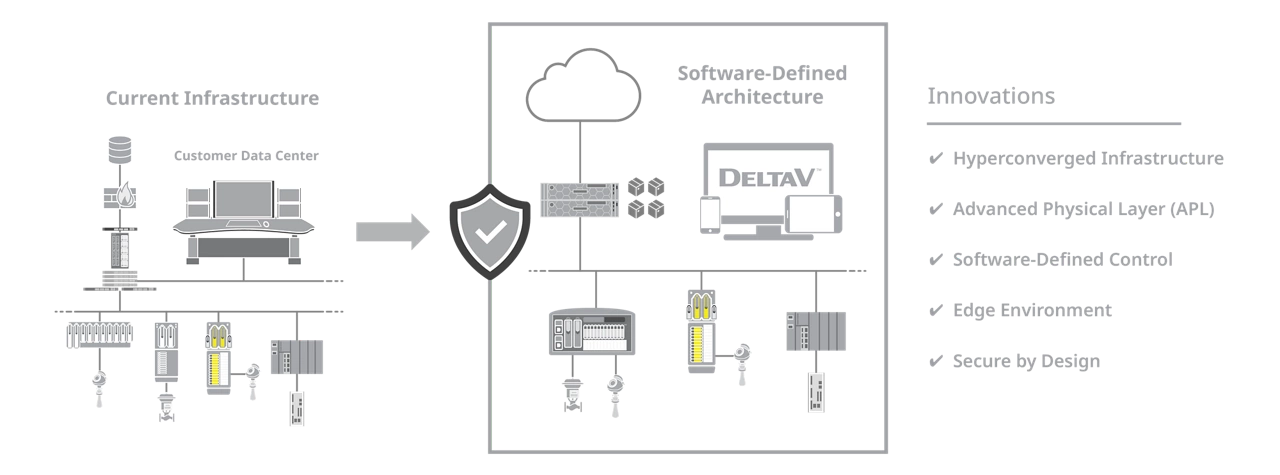
Embracing the Software-defined Control Journey
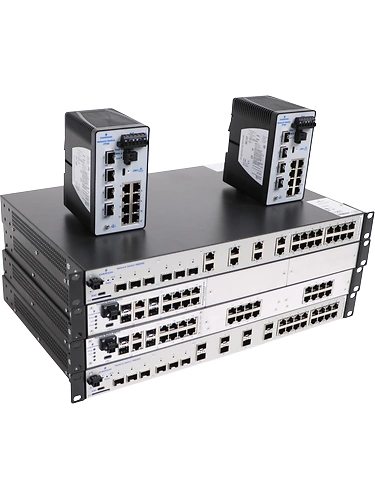
News Brief: New Network Smart Switches from Emerson Enhance Security and Performance Across Operations

Emerson’s New Edge Solution Democratizes Operational Data for Faster Digital Transformation
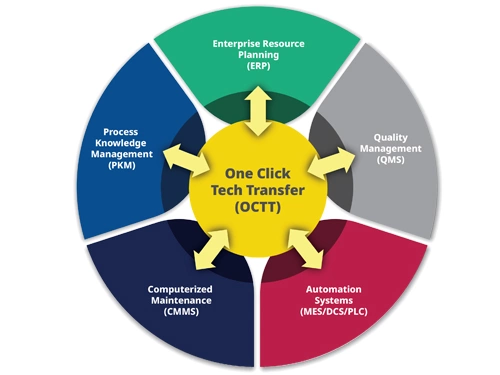
Emerson’s Control System Update Helps Optimize Operations with Enhanced Flexibility and Connectivity
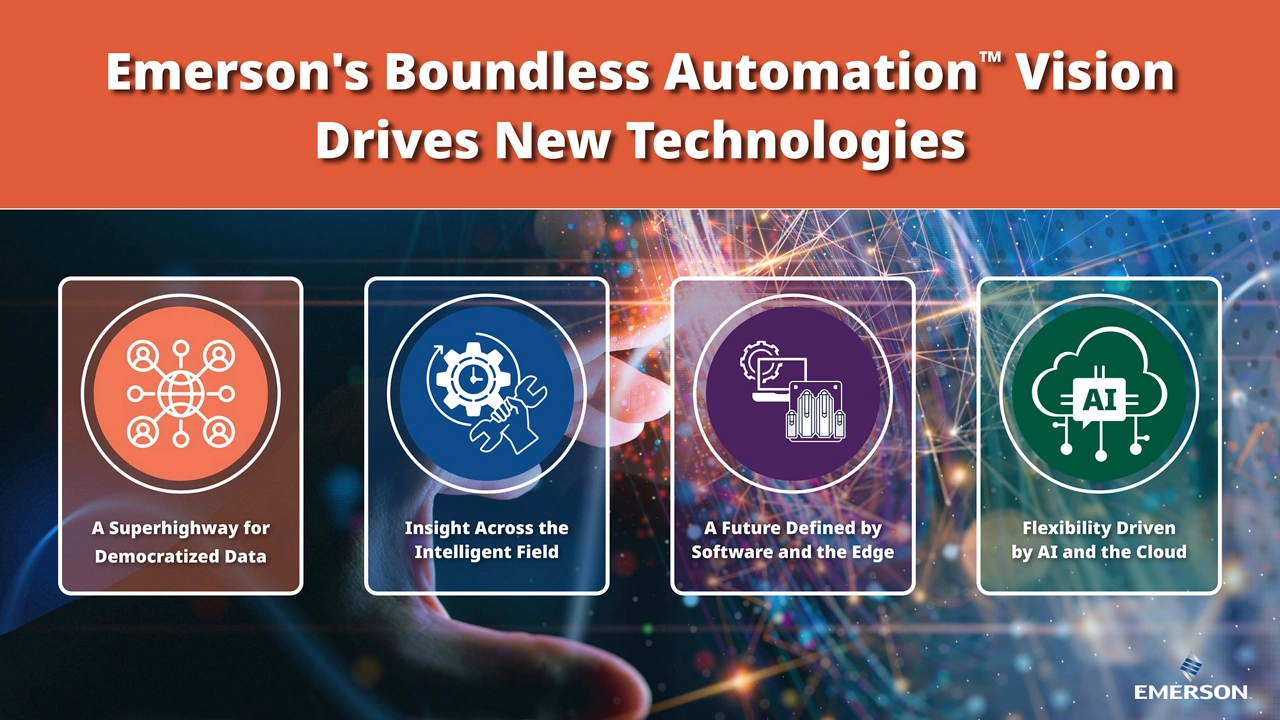
Emerson’s Boundless Automation Vision Drives New Technologies for a Next-Generation Automation Platform
Emerson Forms Life Sciences Executive Board to Advance One-Click Technology Transfer Initiative
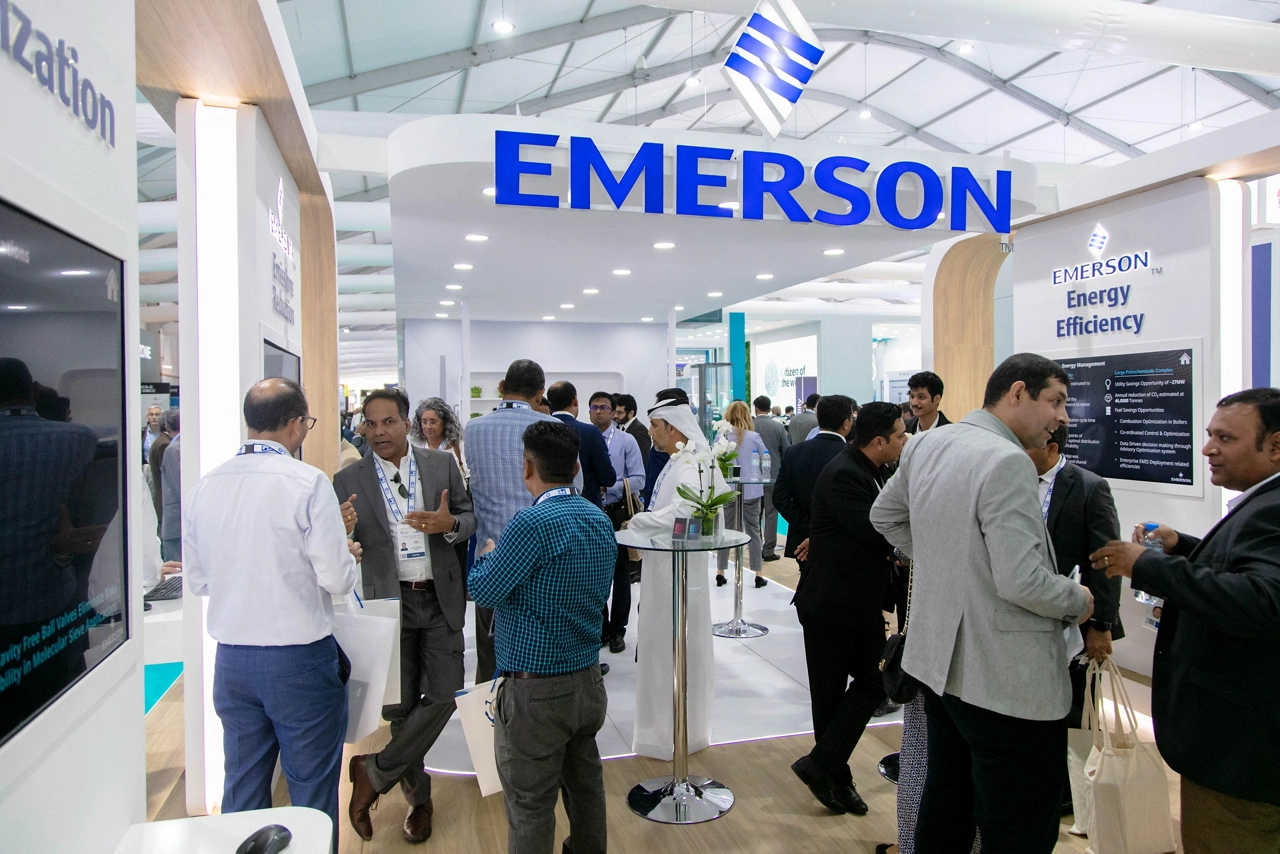
Emerson to Showcase Innovative Automation Solutions for Sustainable Operations at ADIPEC 2023

Emerson’s New Engineering Software Accelerates Plant Modernization Using Artificial Intelligence
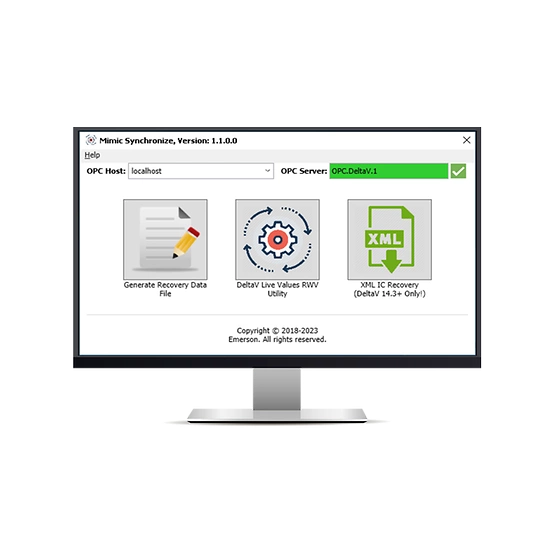
News Brief: Emerson Enhances Digital Twin Software for Improved Training and Performance
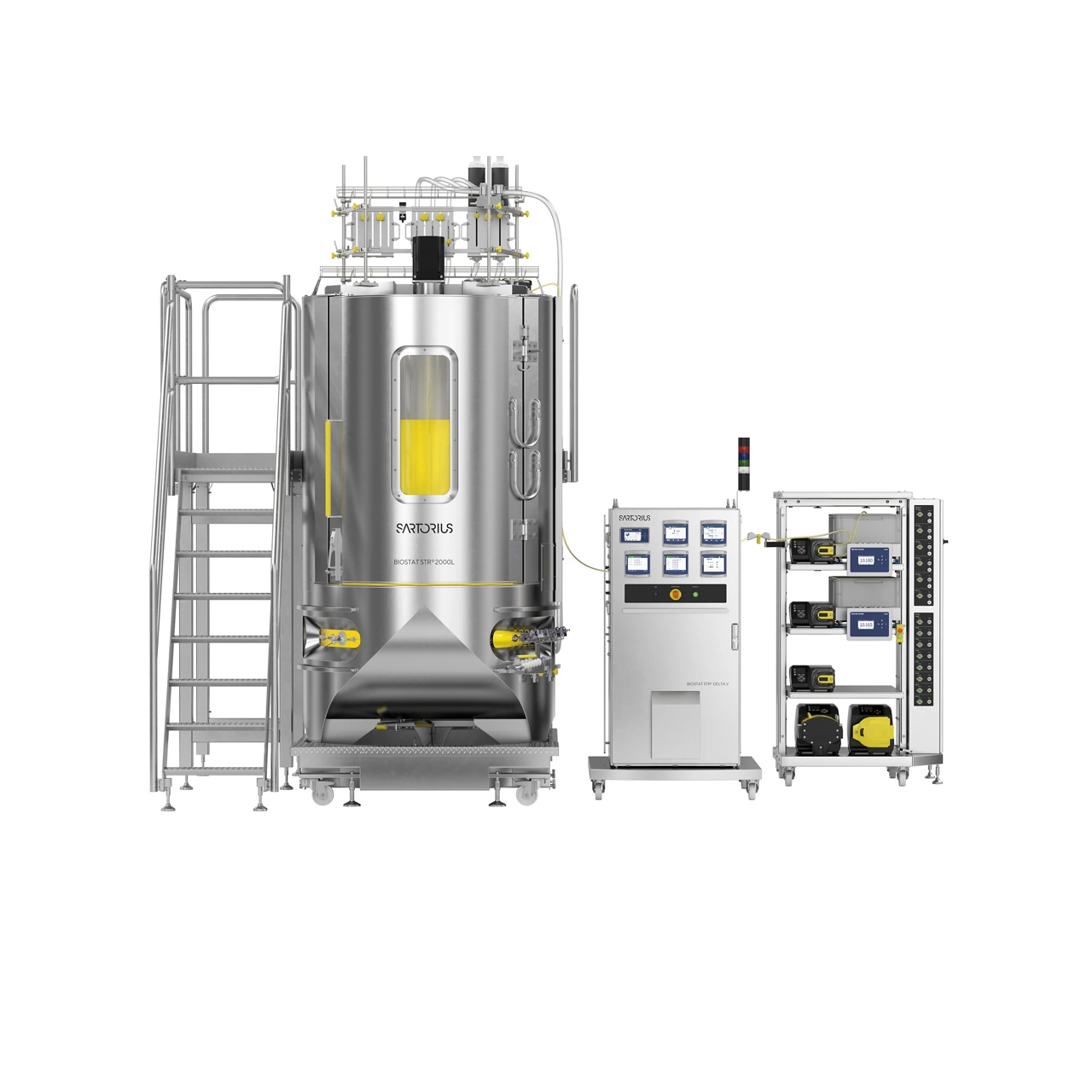
Sartorius Bioreactors Integrate Emerson Technology to Speed New Therapies to Market

Next-generation Automation Paves the Way for Sustainable Hydrogen Manufacturing
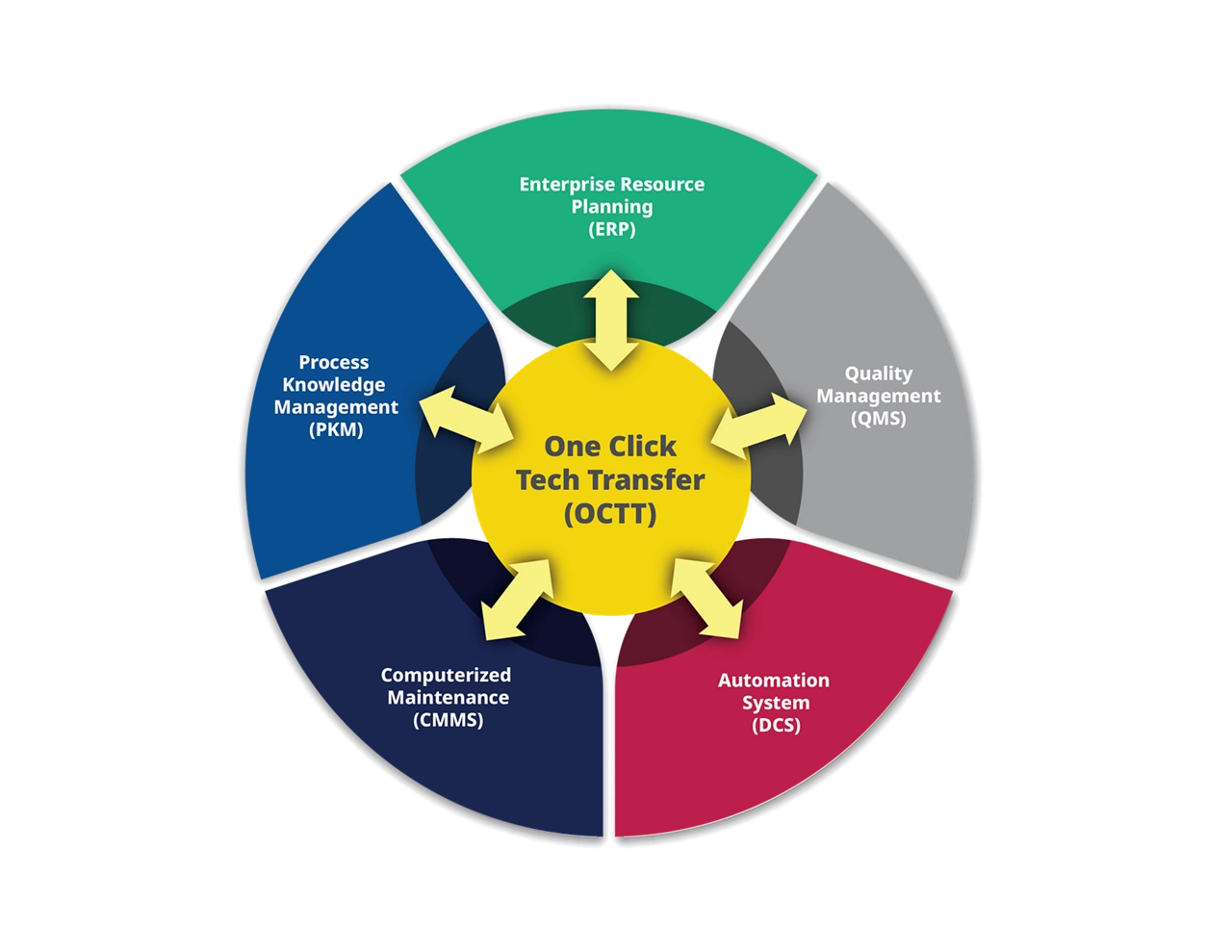
Swift Technology Transfer Could Cut Years off Drug Development Timelines

Registration Now Open for Emerson’s New Software-Focused Automation Conference

Emerson and Cavendish Renewable Technology to Drive Innovation in Hydrogen Applications

Modern Tools Create Modern Systems

How Optimizing Preventive Maintenance Drives Competitive Advantage

News Brief: Emerson and Continua Sign Collaborative Agreement to Accelerate Speed-to-Market for Life Saving Therapies
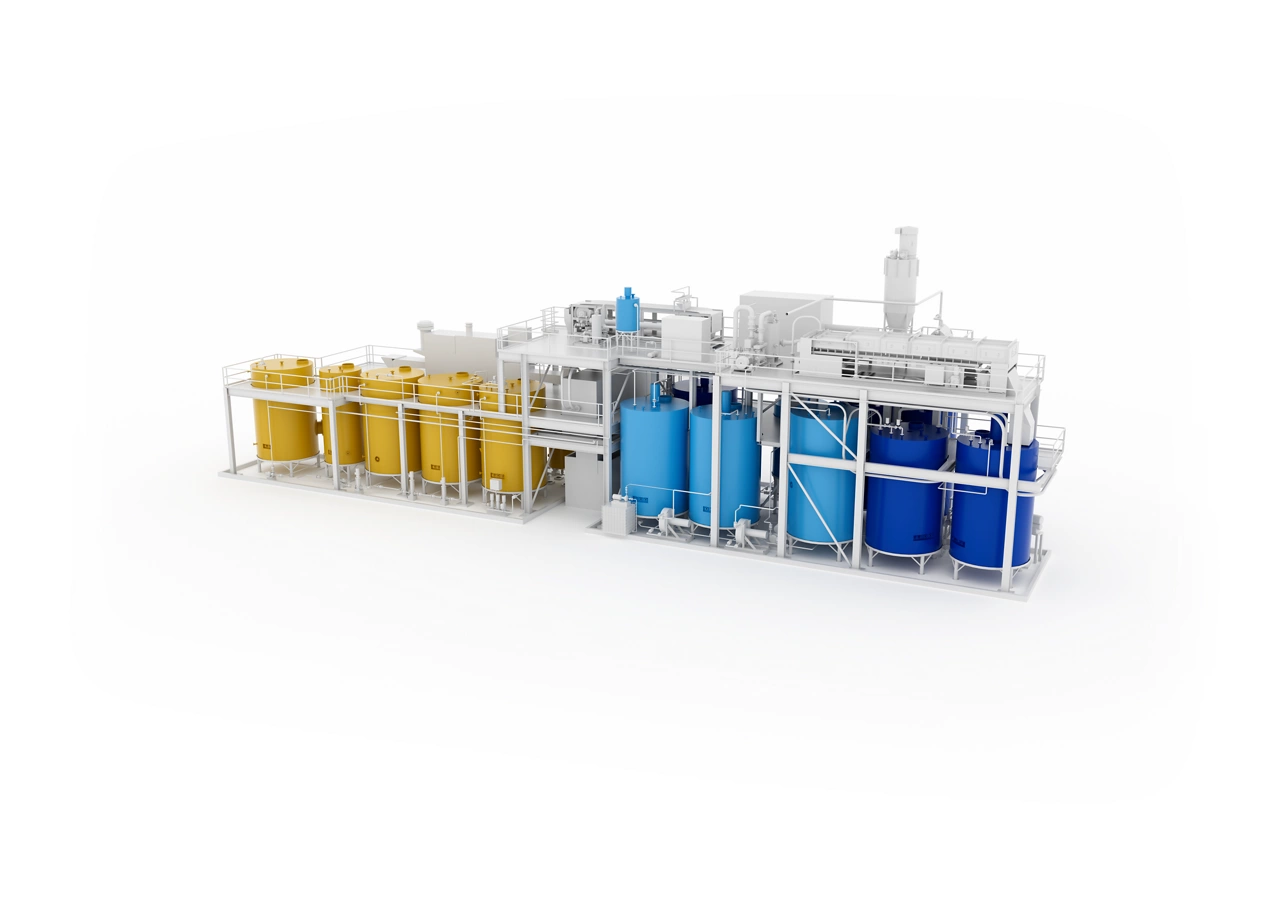
Emerson Helps Optimize Innovative Recycling Process That Increases Sustainability of Waste-to-Energy Industry

Balancing Change and Certainty in Manufacturing
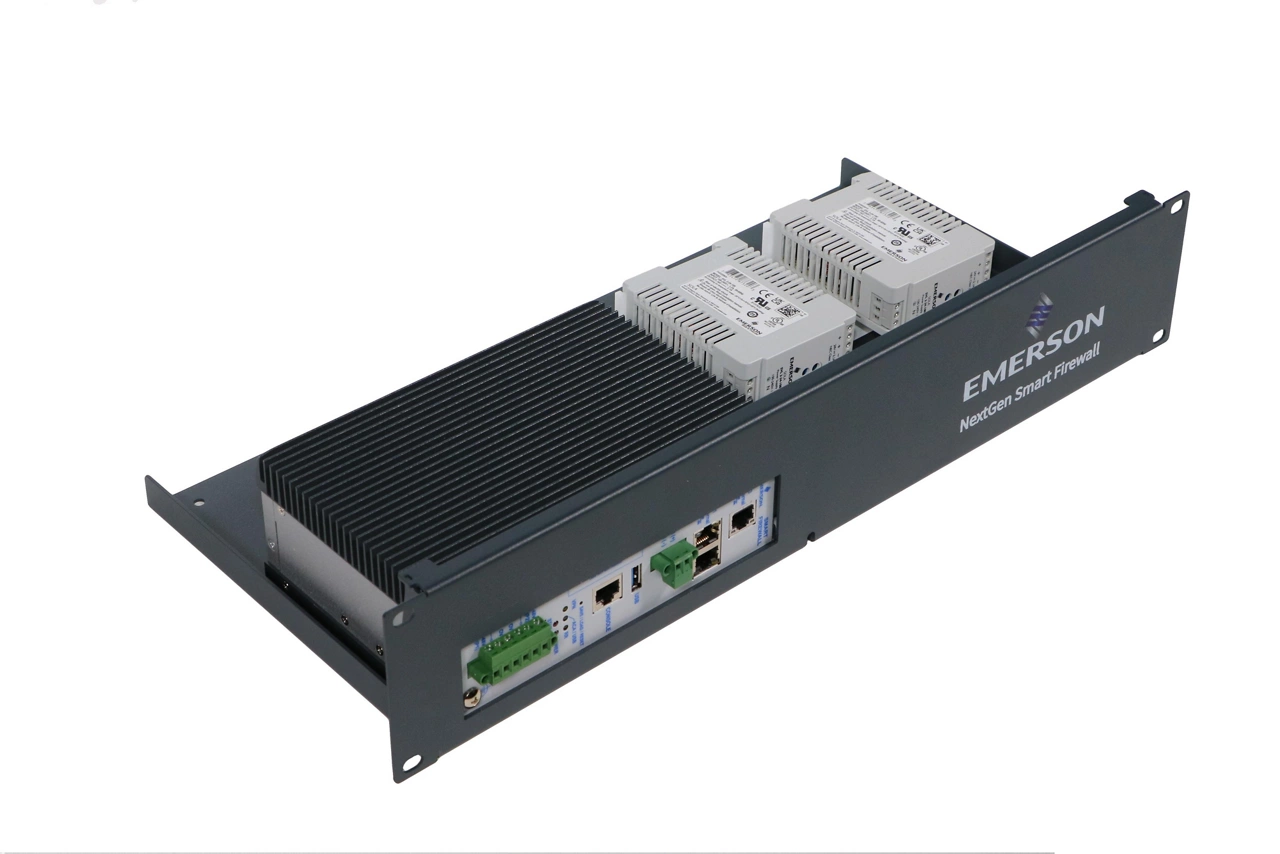
Emerson’s Enhanced Perimeter Defense Solution Simplifies Network Security for Distributed Control Systems
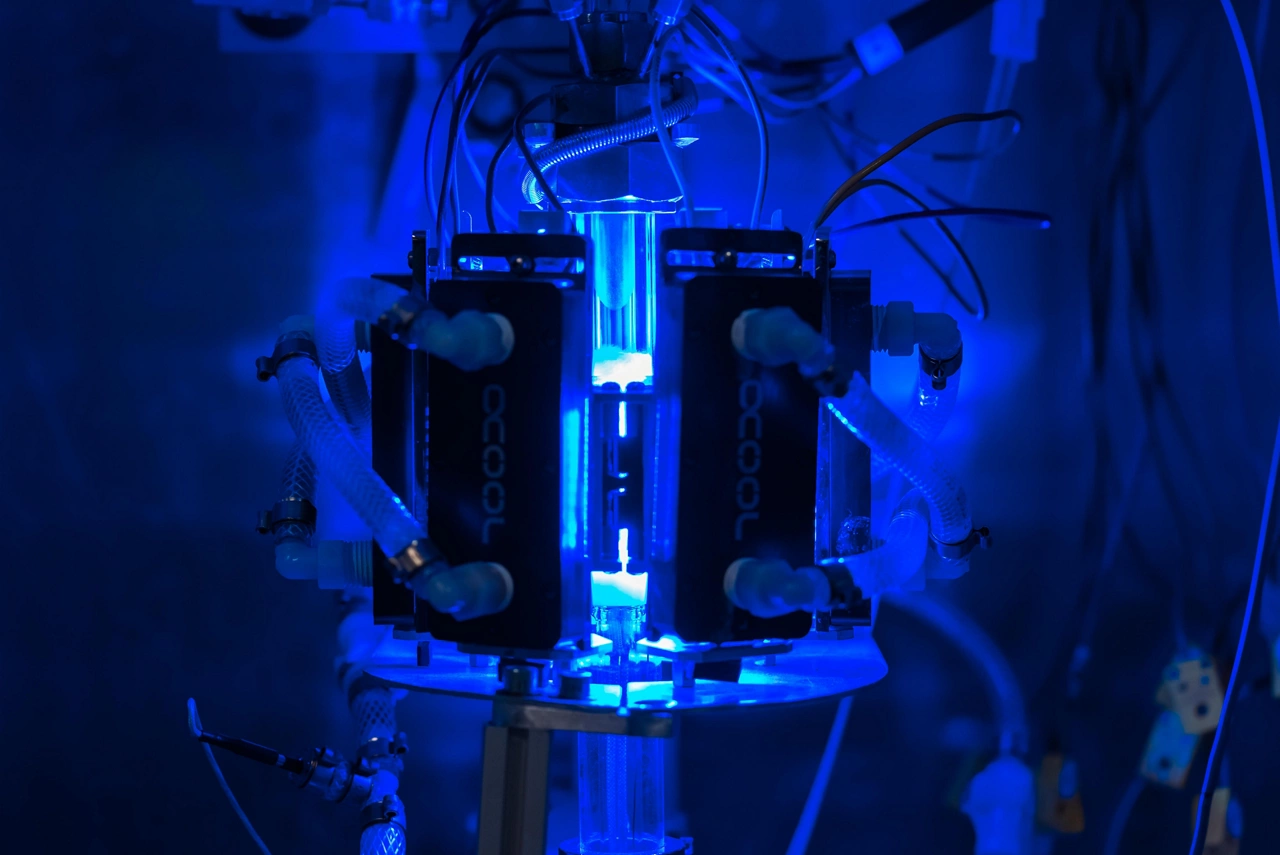
Syzygy Plasmonics Selects Emerson to Automate Electrification of Chemical Production Processes

A Boundless Future for Process Control in the Chemical Process Industries
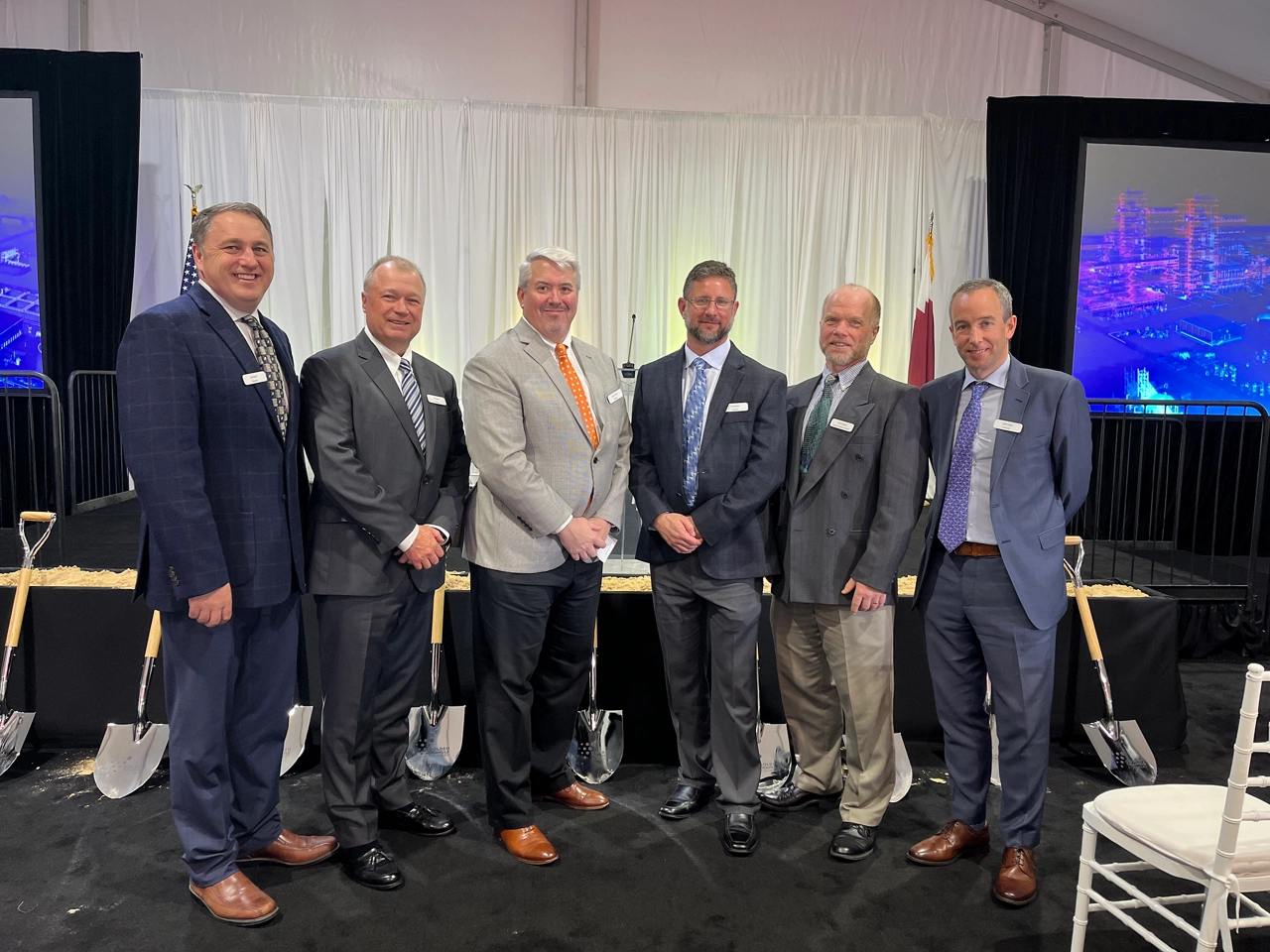
Emerson Selected to Automate Golden Triangle Polymers Facility

‘Best of’ Emerson Exchange Curated for 2023 Virtual Conference
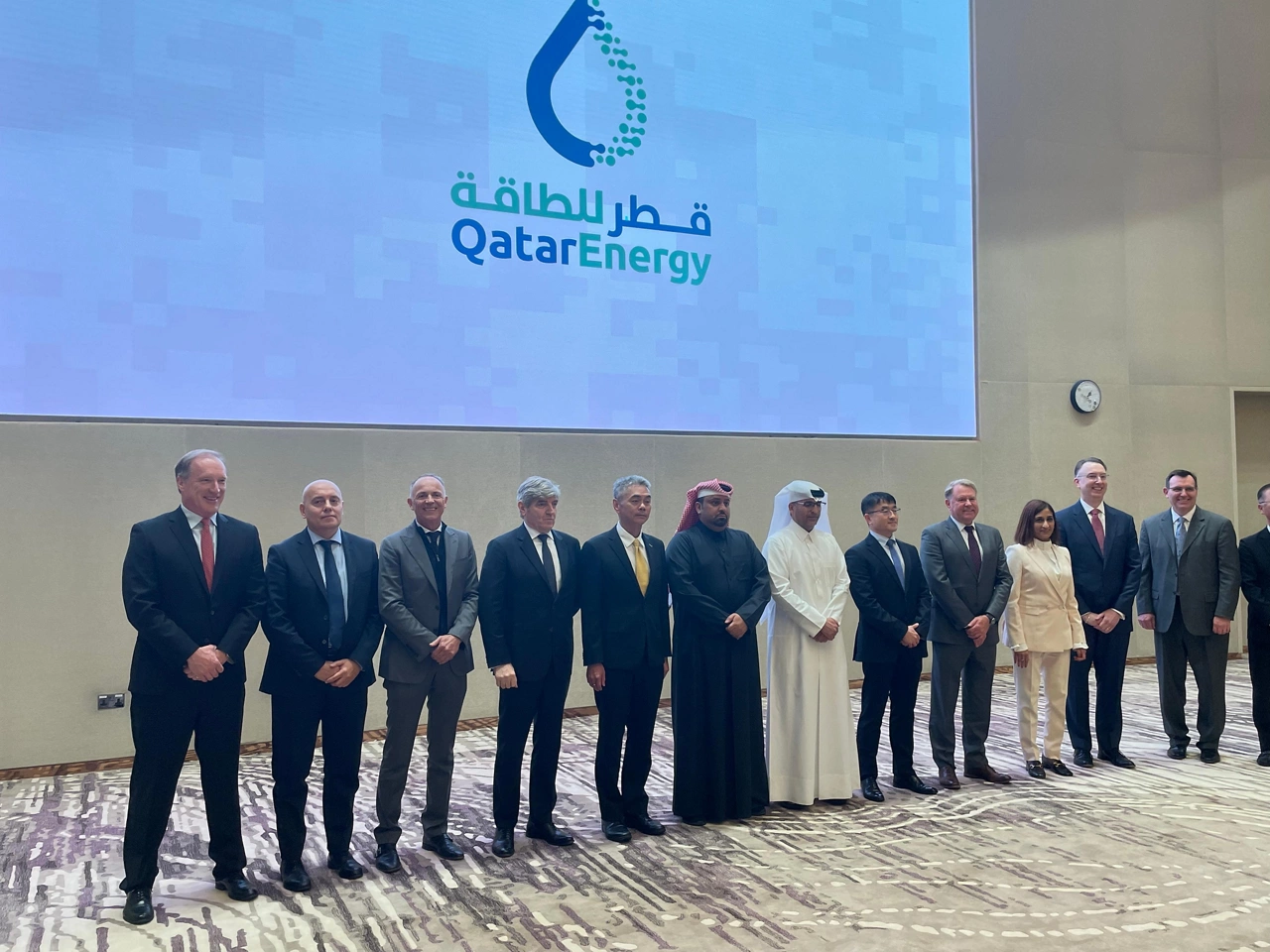
Emerson Selected to Automate Largest Ethane Cracker in Middle East

Emerson Names Peter Zornio as Chief Technology Officer
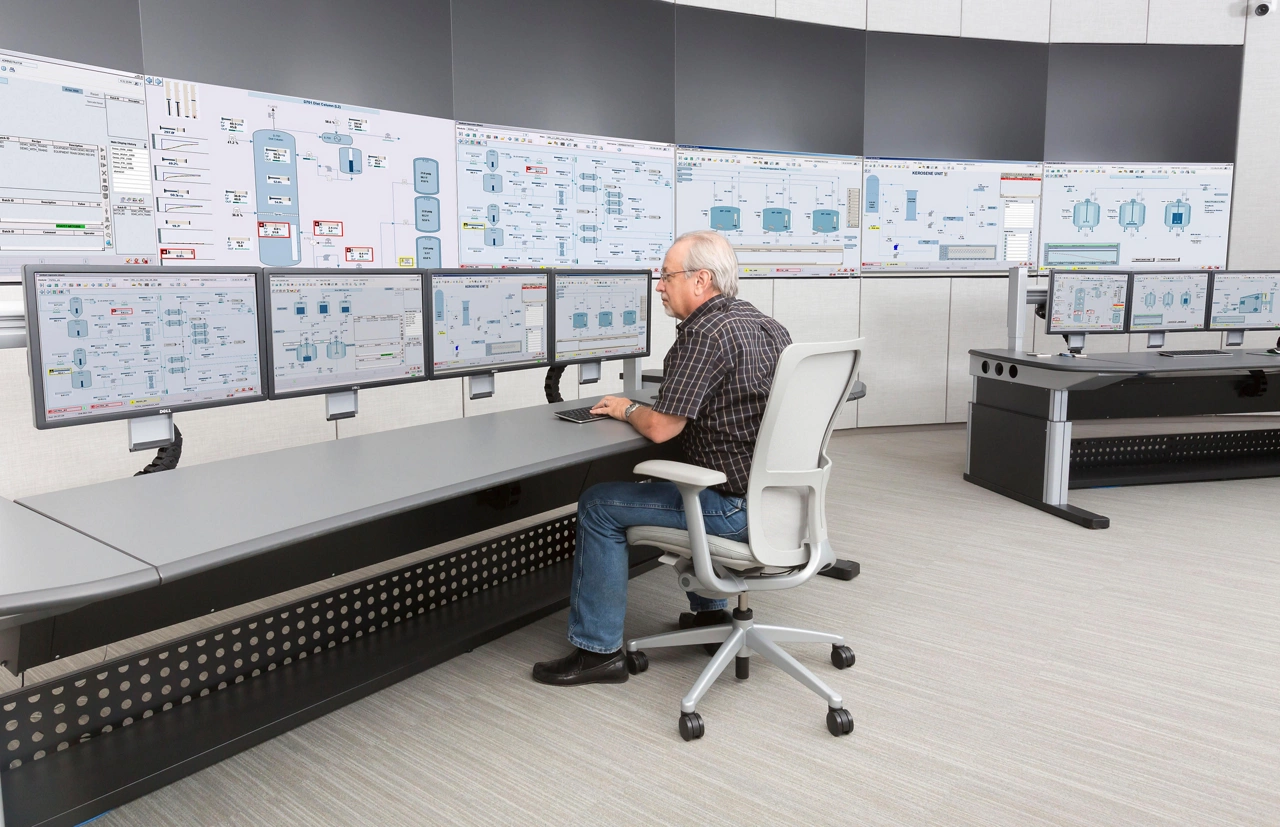
LANXESS Selects Emerson for Advanced Automation Technology

Emerson Strengthens Leadership in Life Sciences Industry with Acquisition of Fluxa
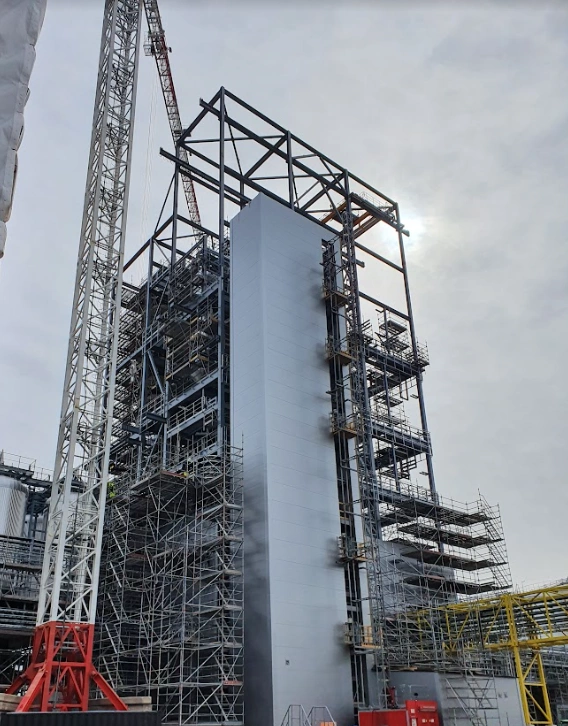
Emerson and Neste Engineering Solutions to Optimize Fintoil Biorefinery Operations for More Sustainable Production
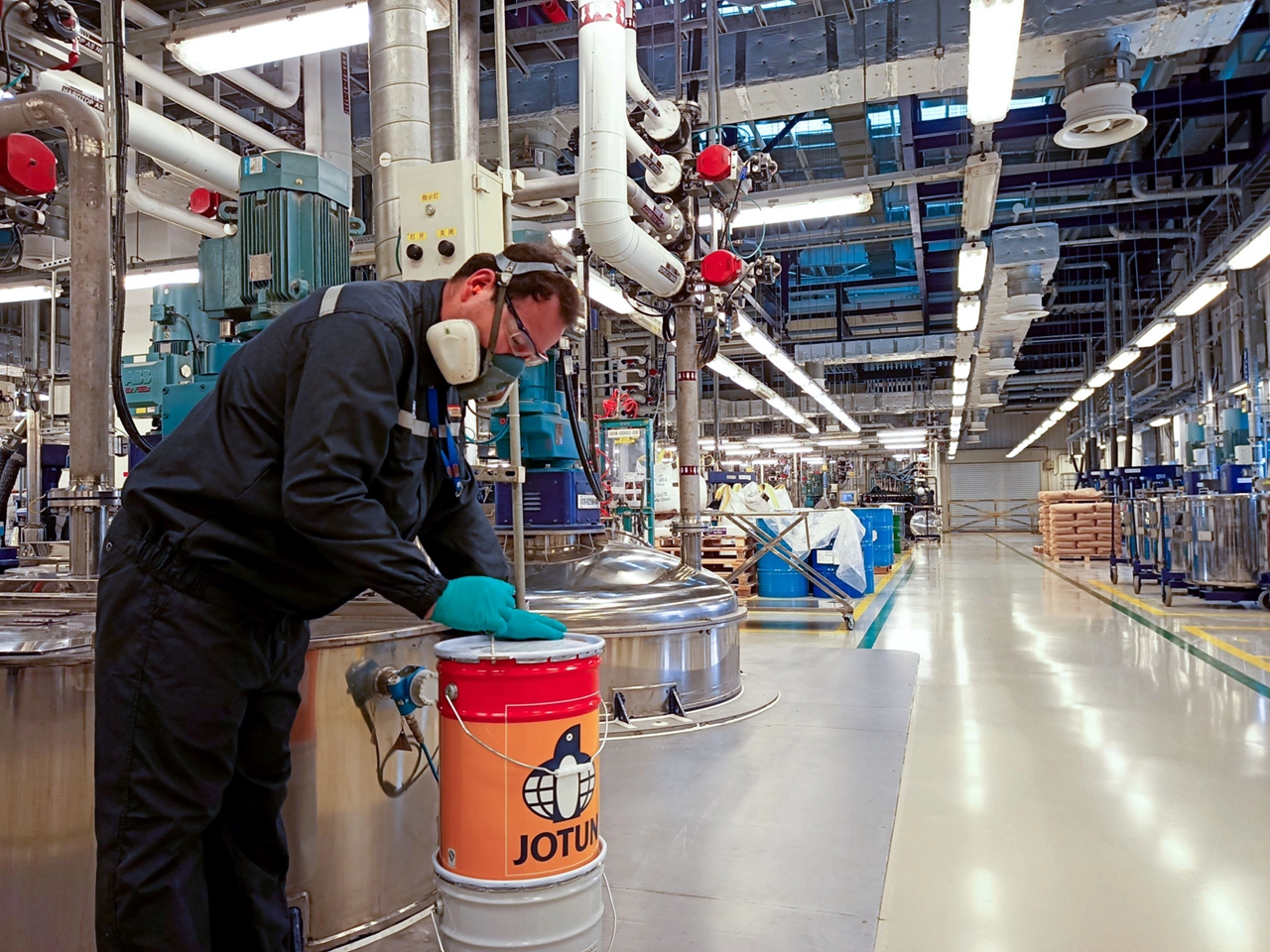
Emerson Selected by Jotun to Automate Global Manufacturing Plants to Optimize Production Efficiency

Emerson to Sponsor NAMUR Annual General Meeting