

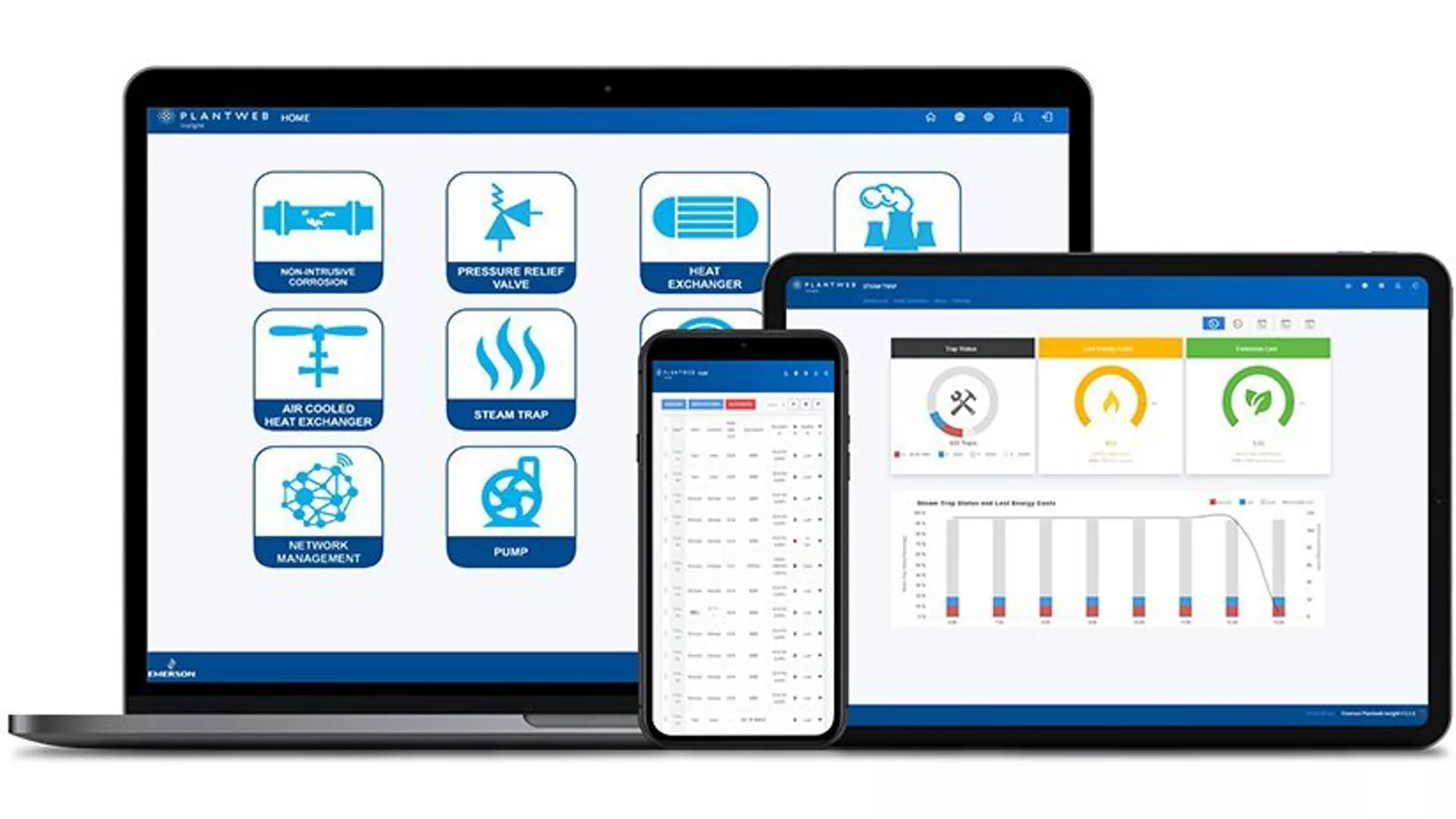
Digitally transform asset health monitoring with IIoT software
Plantweb Insight applications, enabled by wireless sensors and existing wired instruments, instantly interpret key asset health data with pre-built, industry-accepted IIoT analytics. These applications integrate with your existing wireless and wired infrastructure and can be easily implemented and accessed anywhere, digitally transforming sensor data into actionable information for improved decision making.
Products
Energy Applications

Steam Trap Application
This app determines the online health status of your steam traps by verifying if a trap is in failure mode. View trending of past health, emissions and energy loss on a per trap basis and track impact set against key performance objectives. The app utilizes data from Rosemount 708 Wireless Acoustic Transmitters to continuously identify failures (blow through, flooded, plugged) and inactivity.

Heat Exchanger Application
This app provides in-depth monitoring of shell and tube heat exchangers by analyzing plant sensor data gathered through existing infrastructure. Leveraging pre-built algorithms based on decades of process experience and industry-vetted analytics, this solution delivers predictive diagnostics and continually tracks key performance indicators like fouling, heat duty, and heat transfer coefficient.
Pressure Relief Valve Application
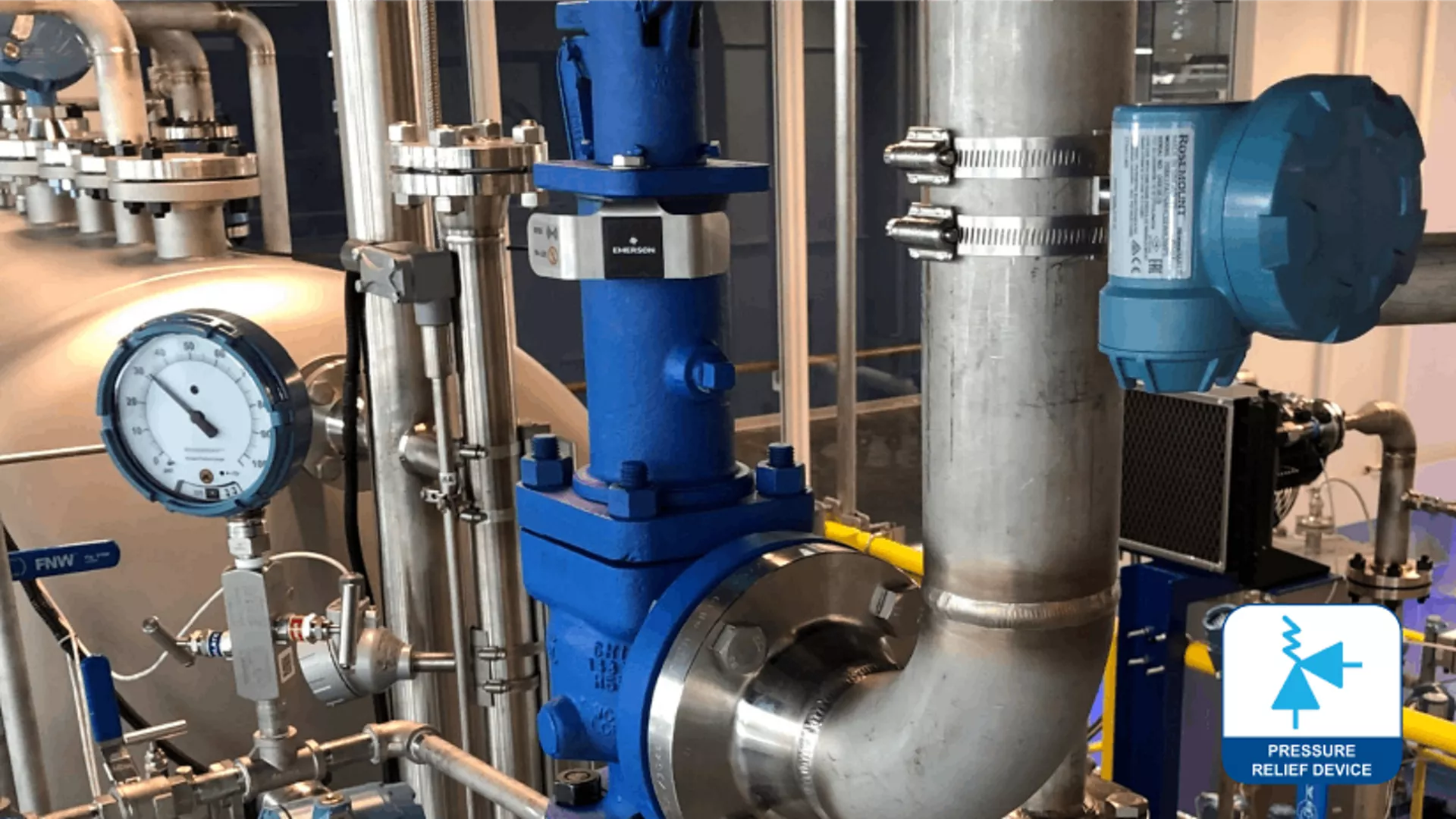
This app determines when and where an event has occurred within your relieve valve fleet. Utilizing machine learning techniques, it can identify abnormal situations affecting operations, allowing users to easily identify problem areas. Within the software interface users can view a consolidated event log and information regarding production losses and emissions caused by pressure relief events.

Connected Lighting Application
Save energy and extend lighting fixture life in harsh and hazardous environments. This app commissions groups of connected lighting on an uploaded image of your facility. Utilize pre-programmed or custom controls to keep lights on when operators are present. Device health indicators and analytic tools deliver insights to help simplify maintenance planning and prioritization of the lighting system.
Reliability Applications
Pump Application
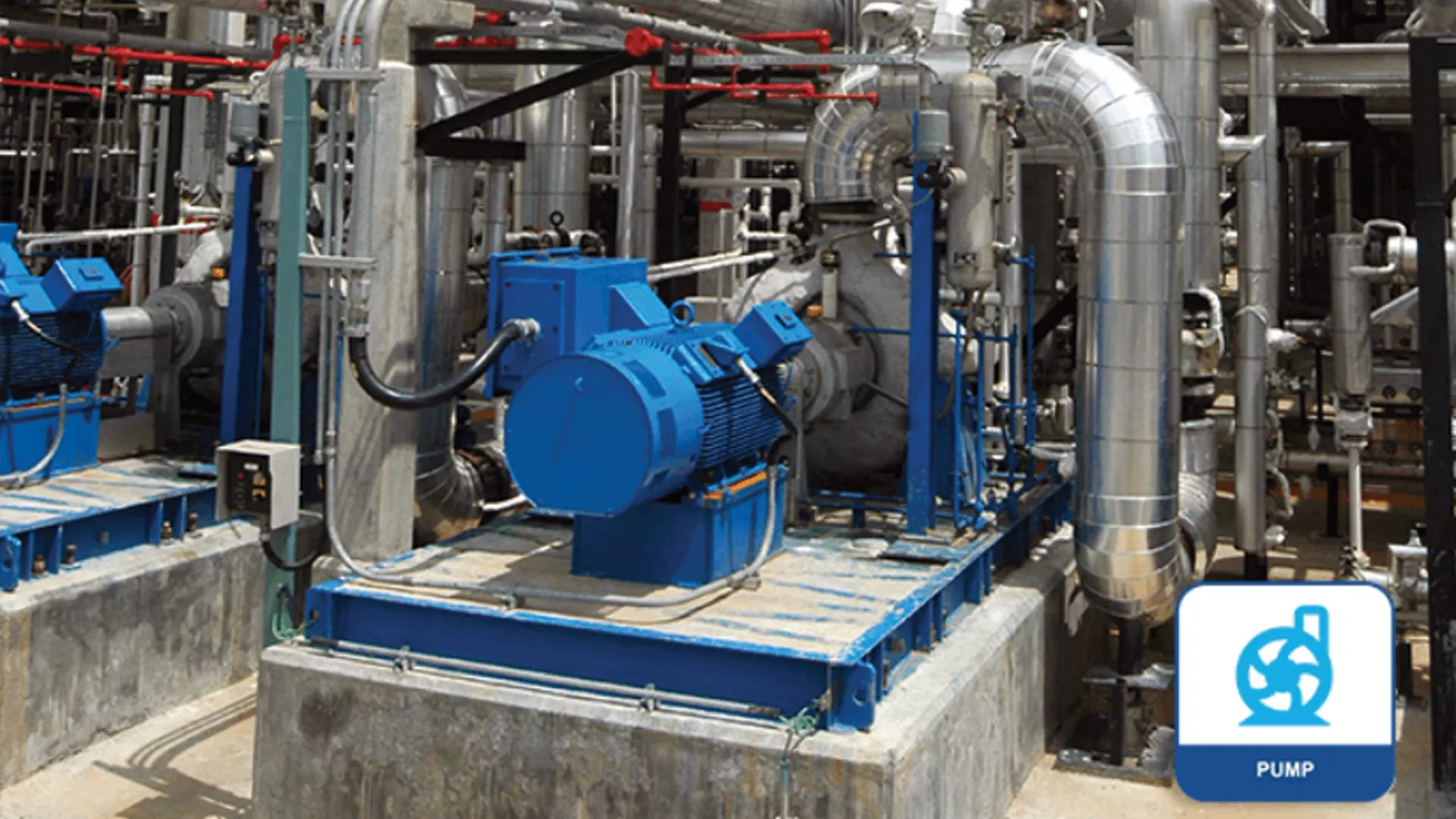
This application offers in-depth monitoring of fixed-speed pumps by providing an aggregate view into the health of all assets. Status and alerts are calculated by pre-built algorithms based on industry-vetted analytics. Predictive diagnostics and alerts enable better prioritization of pump maintenance, allowing users to mitigate recordable incidents and quickly identify assets requiring attention.
Air Cooled Heat Exchanger Application
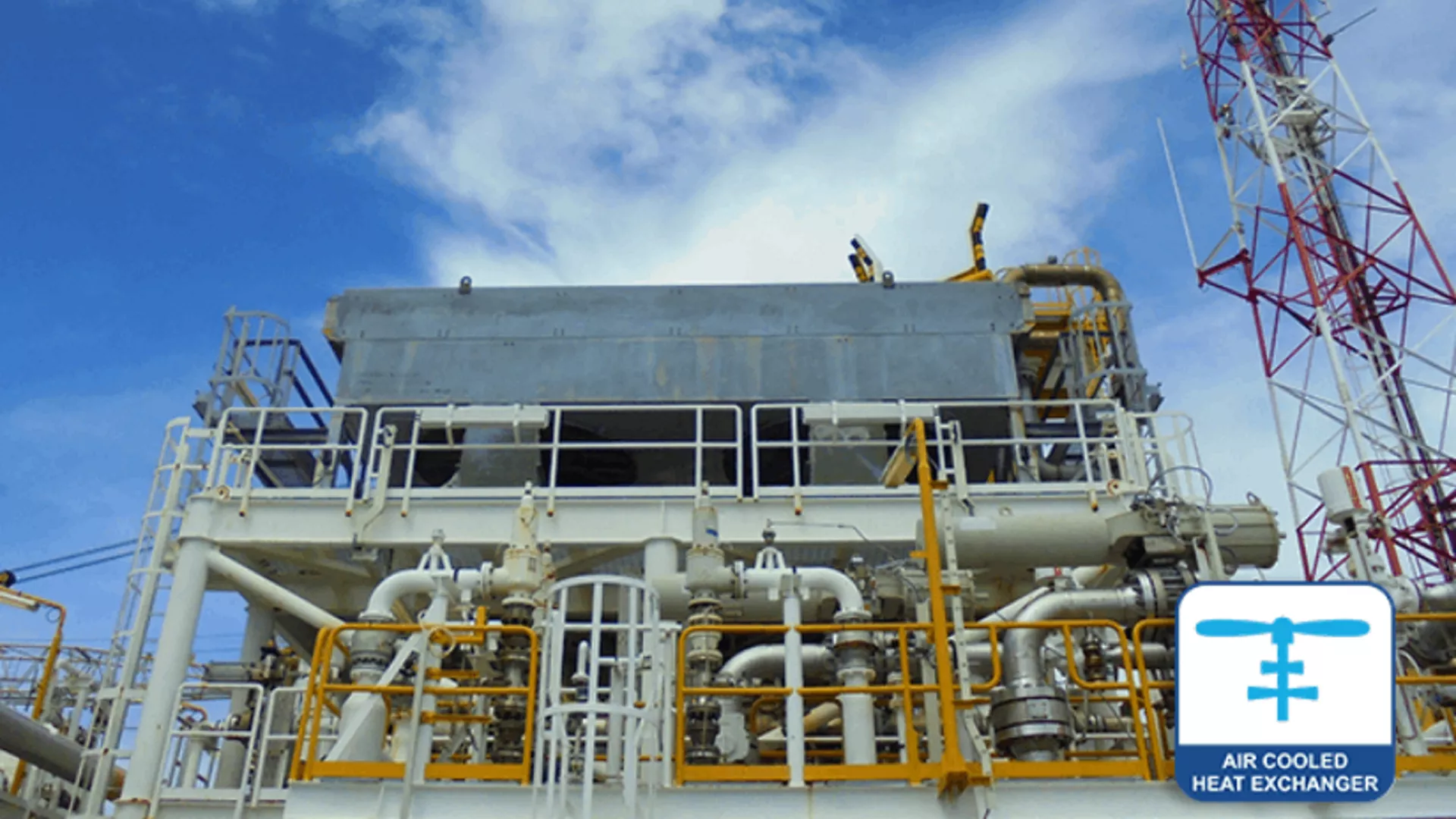
The Plantweb Insight Air Cooled Heat Exchanger application provides in-depth monitoring of air cooled heat exchangers and fin fans, by analyzing wireless sensor data gathered through existing infrastructure. Predictive and continuous air cooled heat exchanger monitoring helps reduce unexpected failures and process shutdowns.

Cooling Tower Application
The Plantweb Insight Cooling Tower application uses process data to determine the overall health of this critical asset. This application utilizes key temperature, flow, level, and analytical information to identify abnormal situations that affect the long-term reliability and efficiency of cooling water systems.
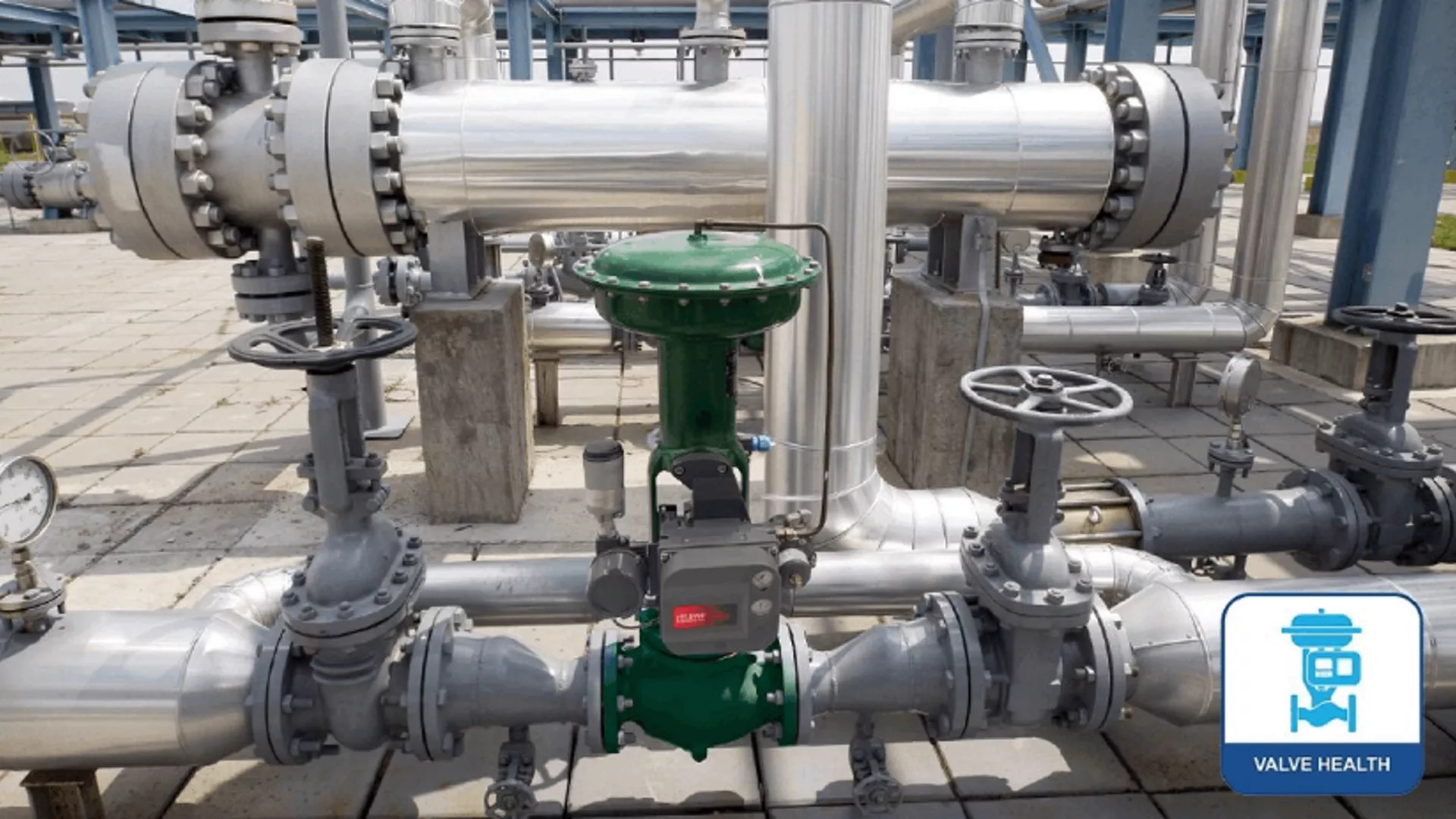
Valve Health Application
The Plantweb Insight Valve Health application uses real-time data to display the health of a fleet of connected valves. Users can see the health of each valve along with explanations of any issues, recommendations for maintenance actions, and recommended timeframes in which to take those actions.
Integrity Applications

Non-Intrusive Corrosion Application
Enhance decision making with real-time corrosion and erosion data and insights designed to maximize asset capability and improve profitability. Within the software interface, users can benefit from advanced analytics to assess the impact of profitability-driven process changes. Avoid loss of containments and ensure process and personnel safety via early detection of corrosion and erosion events.

Inline Corrosion Application
This app is designed for continuous analysis and corrosion monitoring trends for installed wireless corrosion probes. It delivers insight into instrument health and provides alerts on pre-set thresholds for severe corrosivity, probe life-span, low battery level and more. An intuitive heatmap is displayed with intelligence on corrosivity of fluid levels based on the NACE standard SP0775-2013.
Wireless Infrastructure Applications
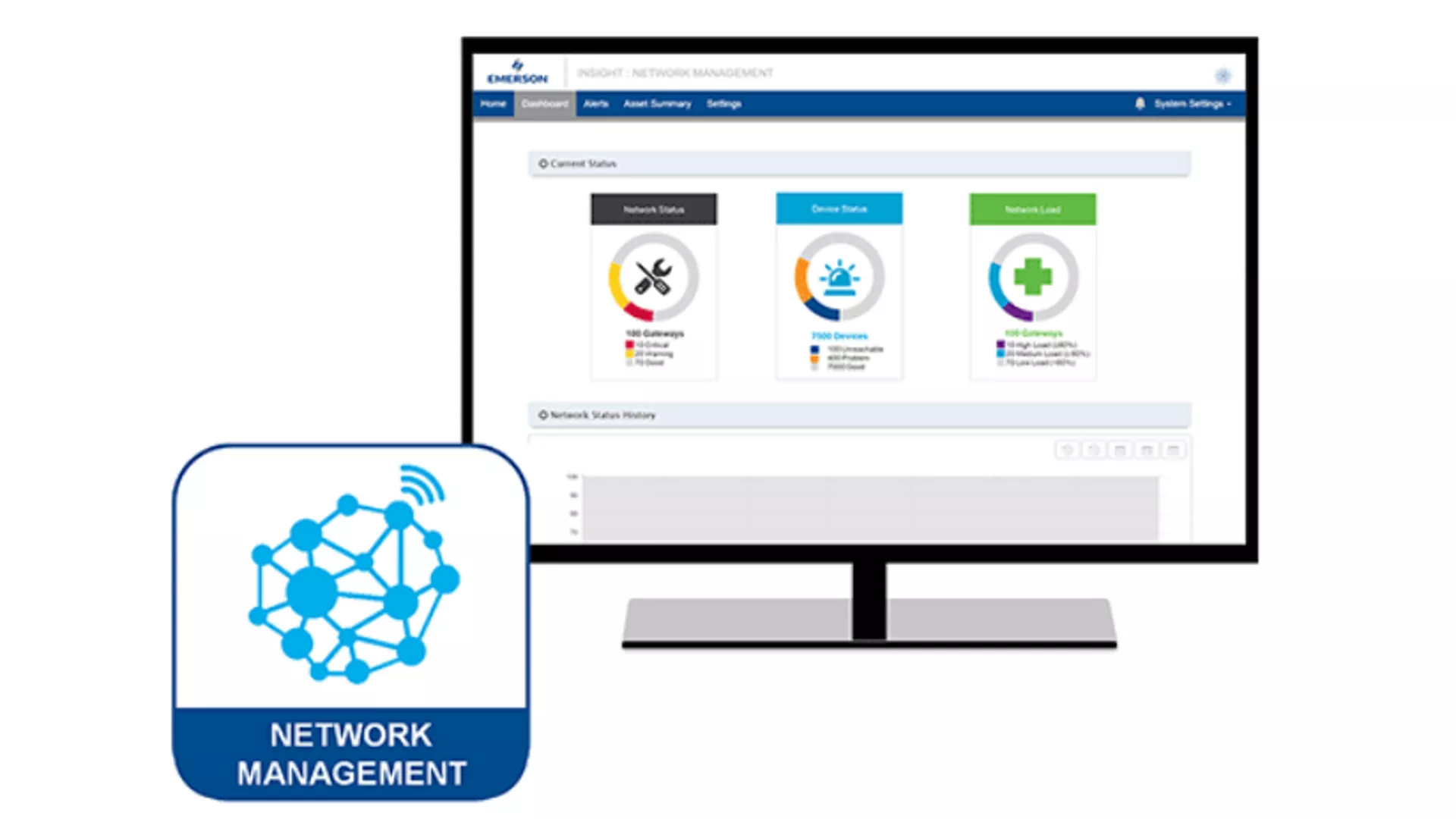
Network Management Application
The Plantweb Insight Network Management application offers users a consolidated view into network health. The application identifies shortcomings in meeting best practices. It also provides a network information and diagnostic summary. The network mesh diagram allows for visualization of networks and quick troubleshooting.
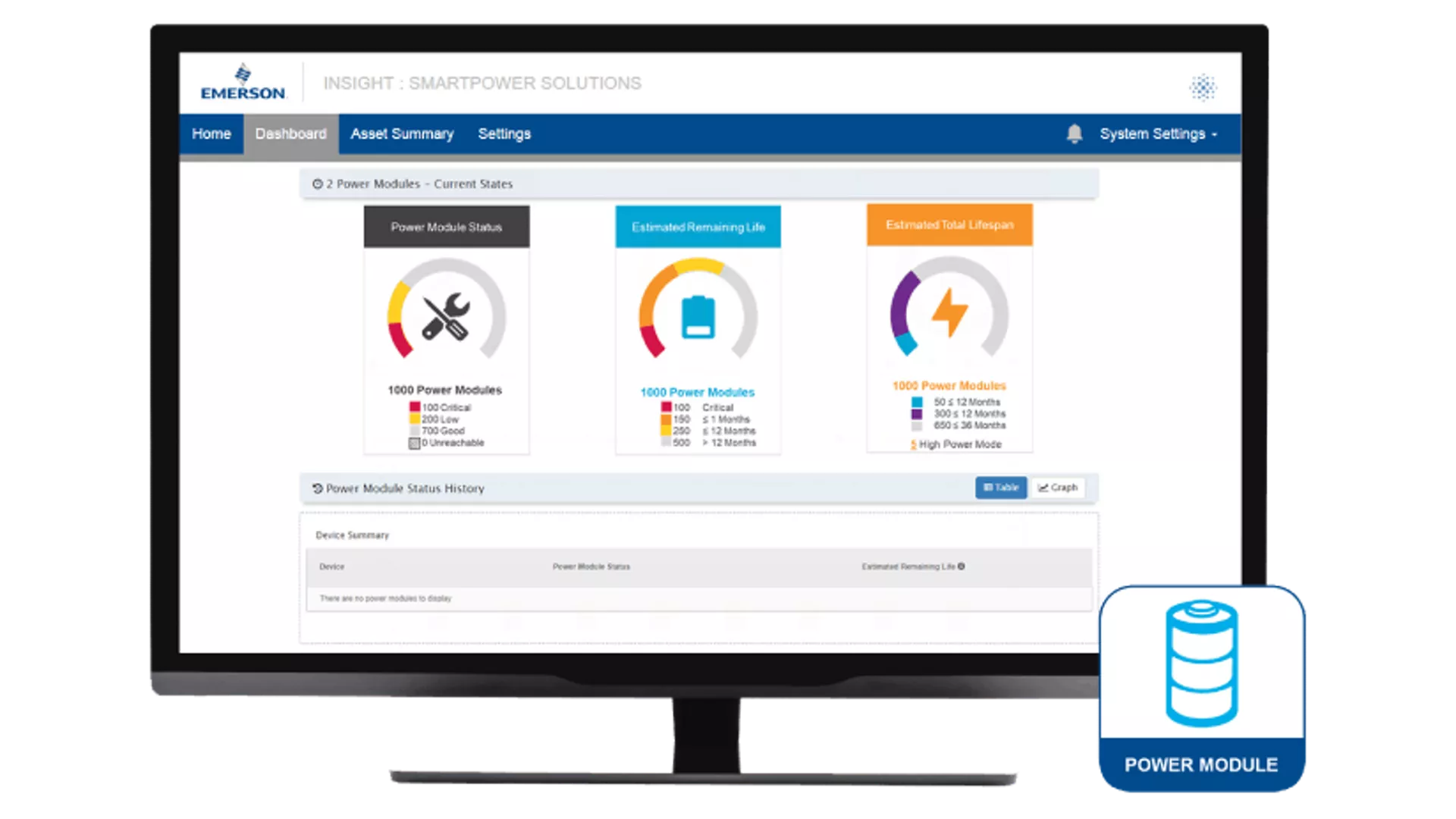
Power Module Management Application
The Plantweb Insight Power Module Management application brings all Power Module indicators across multiple networks into a central location. Not only can users view the status of Power Modules, but the application will also provide an estimate of remaining life and alert users to high-consuming devices.
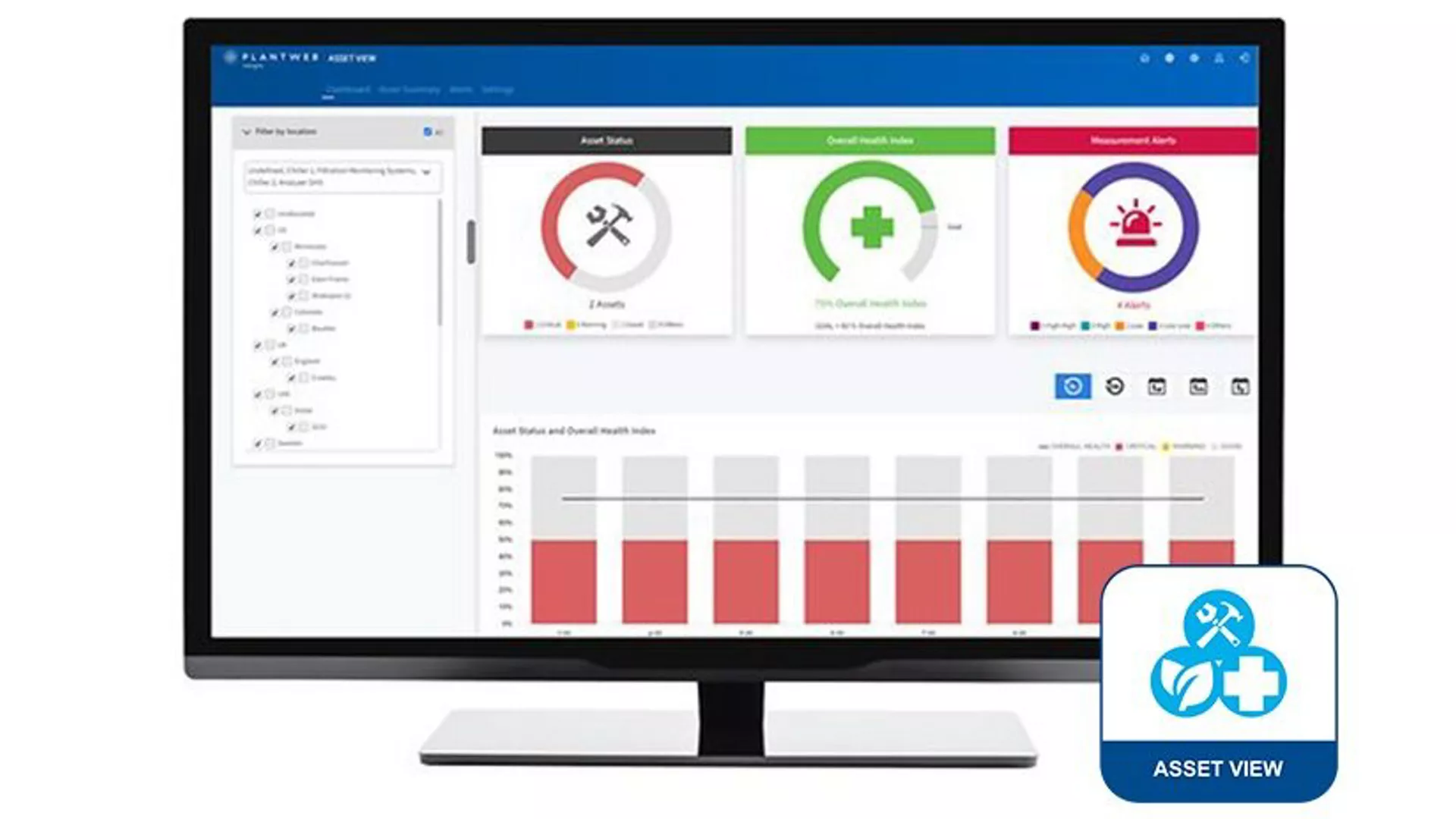
Asset View Application
This comprehensive tool allows users to design custom plant assets with up to 10 measurement inputs for improved monitoring and prioritization of maintenance activities. Data can be collected from any WirelessHART® or OPC-UA data source. Critical elements are displayed on the dashboard, including asset status, overall health index, measurement alerts, and other installation-specific parameters.
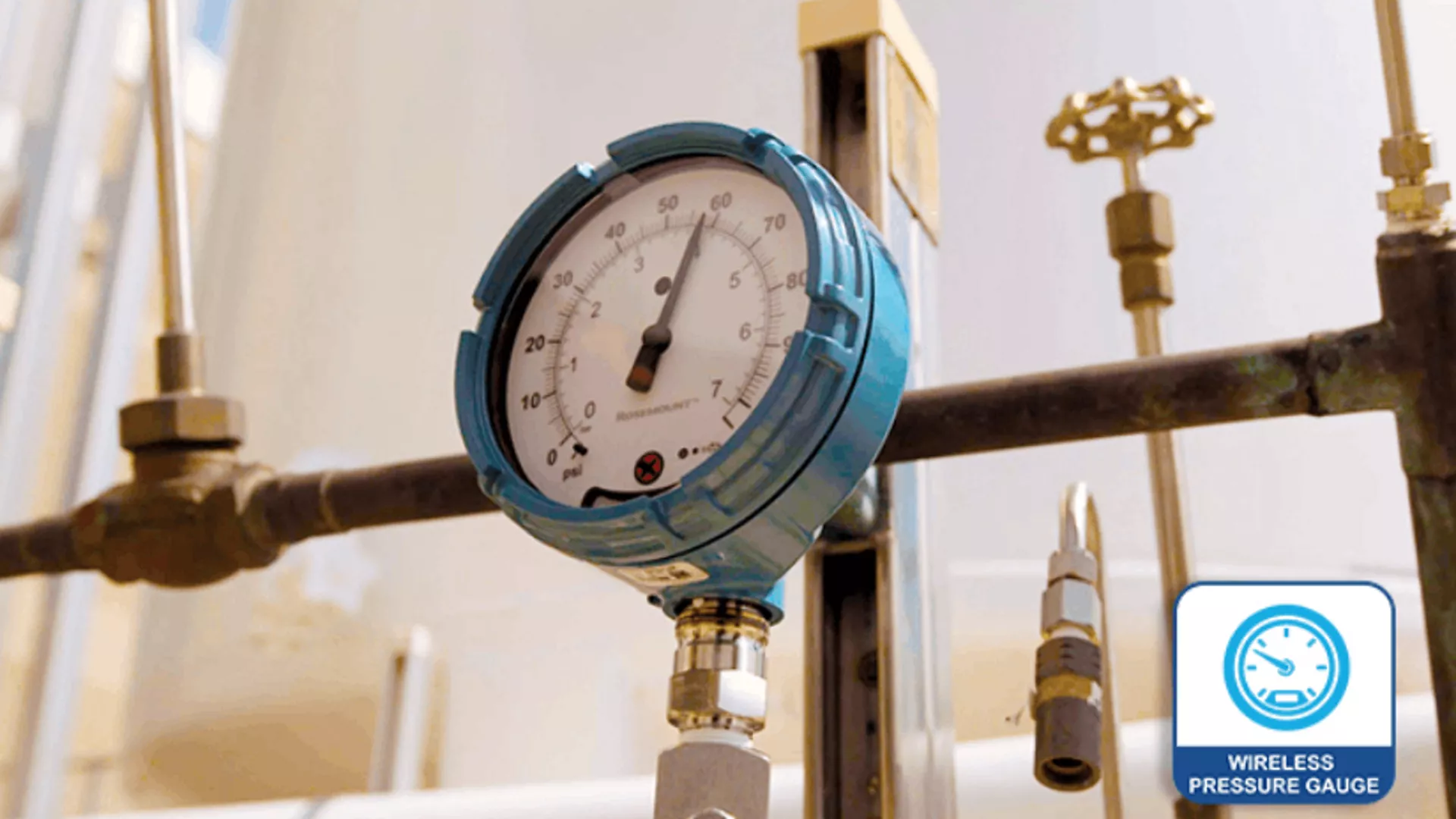
Wireless Pressure Gauge Application
The Plantweb Insight Wireless Pressure Gauge application monitors your wireless pressure gauges in a single, easy-to-use interface. This solution analyzes data acquired through plant sensors and existing infrastructure to provide real-time pressure status of all wireless pressure gauges. This application also features device health indicators, which help effectively manage maintenance.
Resources
Frequently Asked Questions
Find answers to commonly asked Plantweb Insight questions.
Plantweb Insight is delivered as a fully packaged virtual machine (.ova or .vhdx file). The customer receives a complete virtual machine image to install in customer-provided virtualization software or hypervisors. The virtual machine or “platform” is required to host any of the Plantweb Insight applications (i.e. Plantweb Insight Steam Trap Monitoring application). Multiple applications can operate on a single Plantweb Insight platform.
The Plantweb Insight virtual machine requires 4 dedicated cores, 8 GB of RAM, and 512 GB of free space at a minimum (8 dedicated cores, 16 GB RAM, 512 GB recommended).
The Plantweb Insight virtual machine contains a web server accessible by any web client with network access. Use the web browser user interface to configure and visualize the software.
Plantweb Insight can be installed on a network server or PC/laptop. When configuring network settings, verify settings are in accordance with organization's policies. Any applicable WirelessHART® Gateways or other data sources must be accessible on the network.
Plantweb Insight can also be provided pre-installed on an industrial PC as an edge solution.
The latest versions of the following browsers are supported: Google Chrome™, and Microsoft Edge.
Yes, Plantweb Insight features role-based and location-based access control mechanisms allow administrators to define and manage user access privilege based on roles, locations, and responsibilities. Plantweb Insight supports local user accounts, as well as integration with Active Directory and Single Sign On for easier user management.
Plantweb Insight supports data ingress from WirelessHART® gateways (HART-IP), OPC UA®, Modbus®, Emerson AMS DataServer, and MQTT.
Plantweb Insight can be configured to output email (SMTP), OPC UA®, Modbus®, REST API, and MQTT data.
Plantweb Insight is designed with its own strict firewall system that only requires access to a few ports for operation:
Web interface access: HTTPS port 443 or HTTP port 80
Access to WirelessHART gateways: HART-IP TCP port 5094
Users can disable any other unnecessary ports and whitelist certain IP addresses.